
Can ChatGPT Edit Car Photos? What Dealers Should Check Before Using AI Edits on Listings
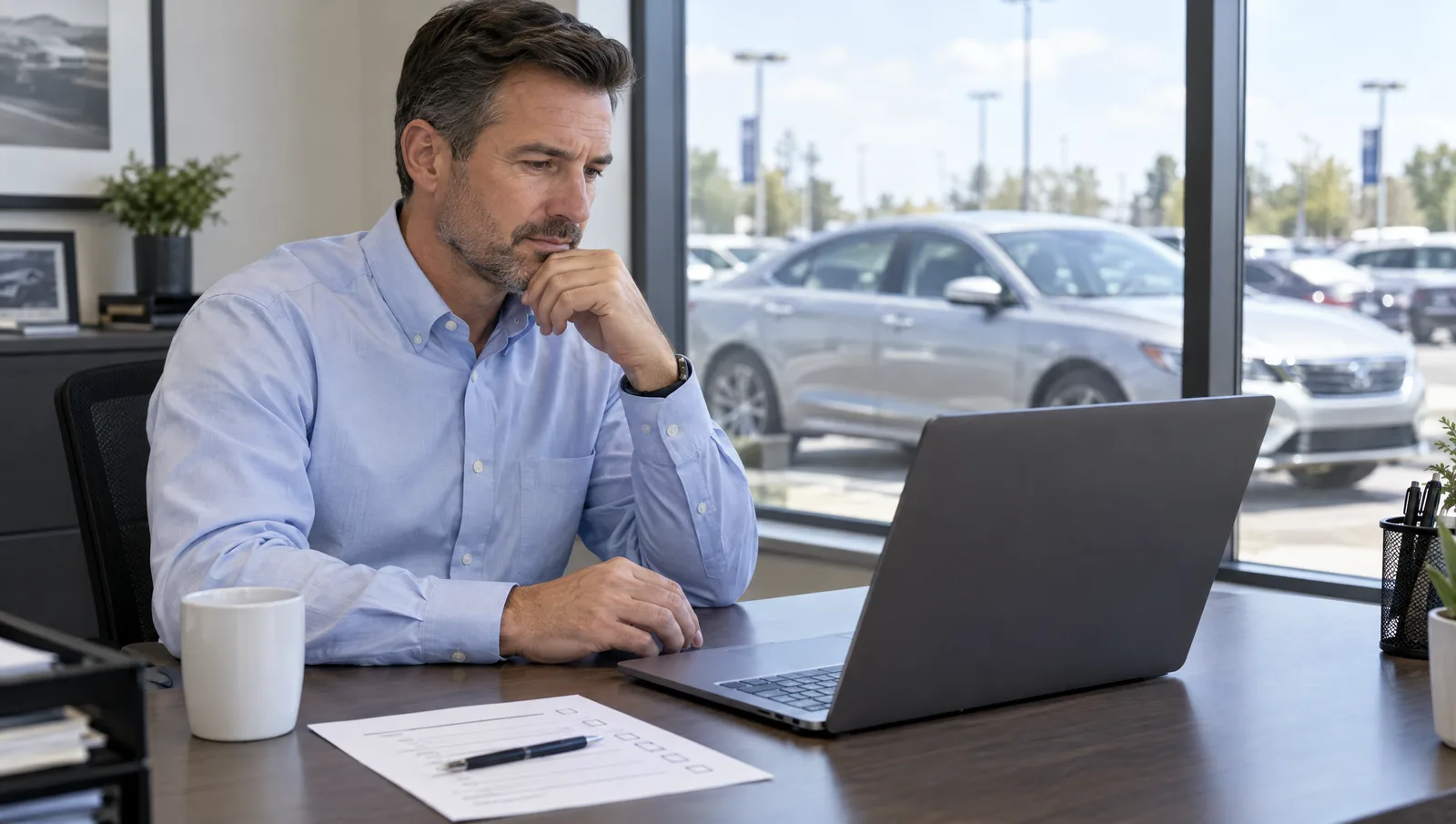
Yes, ChatGPT can edit car photos. Upload a vehicle picture, ask for a showroom background or brighter lighting, and it returns a new version. The catch for dealers: general-purpose image models usually redraw the picture rather than edit it. The car in the result may not match the car on your lot, and nothing connects to your inventory or listings.
So the honest answer is "yes, but not for listing photos without careful checking." This guide explains what these tools do to a vehicle image, what Cars.com, CarGurus and Google actually require, and a simple test you can run on five cars before you decide.
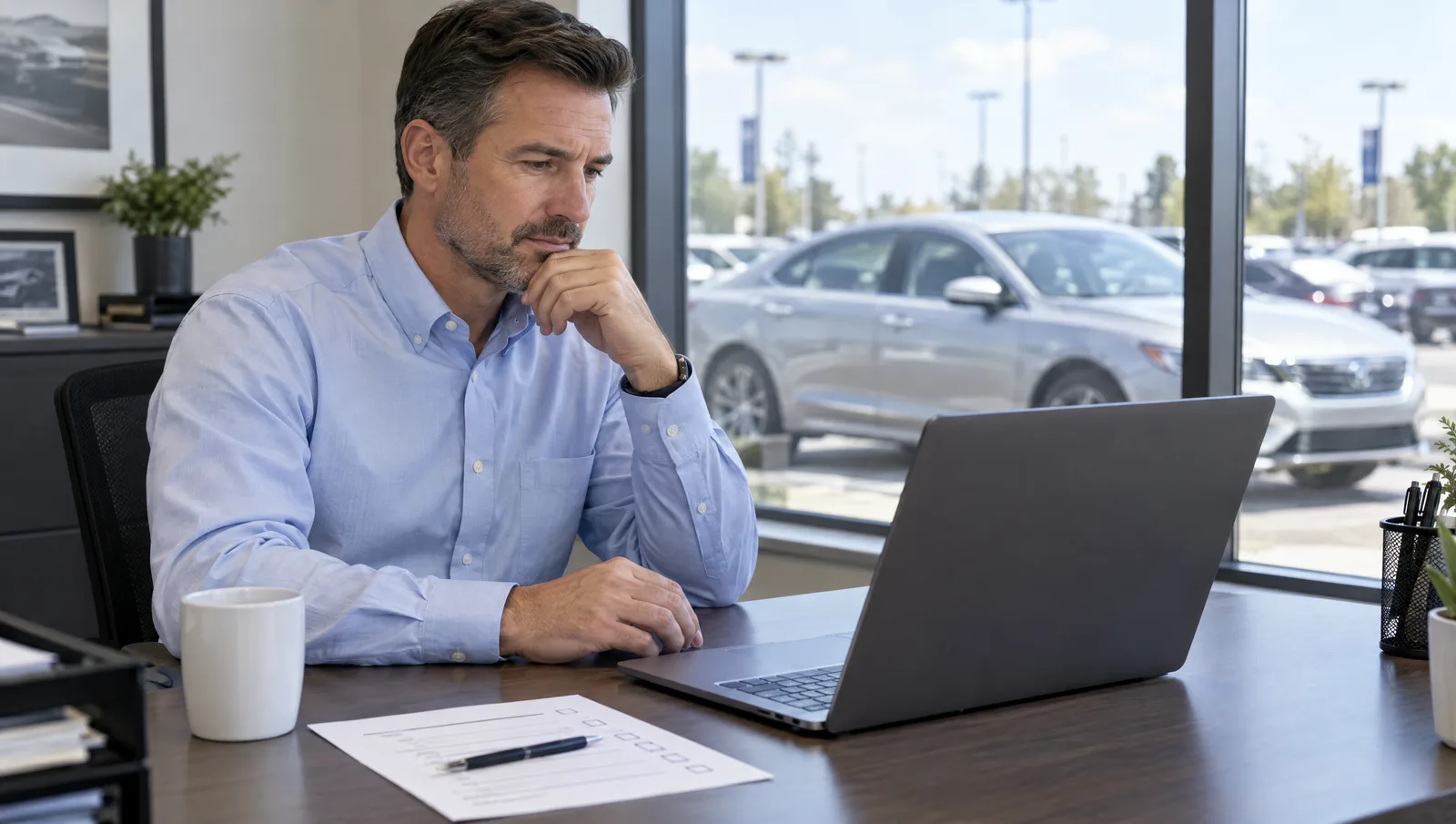
What happens when ChatGPT or Gemini edits a car photo?
Ask a general AI chat tool such as ChatGPT or Google Gemini to change a car photo's background, and the model typically produces a new image from your upload and your instructions. It does not cut the car out and paste it onto a new scene. Because the pixels are regenerated, details of the vehicle can shift between the original and the output.
Check these details after any AI edit:
- Wheels: spoke count, finish or center caps that differ from the real set.
- Badges and trim: a trim badge that disappears, moves or changes wording.
- Body lines and panels: slightly reshaped headlights, grilles or window lines.
- Condition: a scratch or dent that vanishes, or a mark that was never there.
- Reflections and color: paint that shifts shade under the new lighting.
General-purpose image tools also share workflow limits. They handle one image at a time through a chat window. They do not reliably hold the same background, floor, shadow and camera height across a 30-photo set, so photo 12 may look like a different room than photo 3. They have no inventory or VIN workflow. They do not publish to your VDPs or marketplace feeds, so someone still has to download, rename and upload every file.
Where these tools are useful: a one-off social graphic, a "just sold" post, a mockup of a banner layout or ideas for a promotion. Those are marketing images, not a record of a specific vehicle for sale.
What about Canva, Photoroom and other design apps?
General design apps are good at templates, social posts and quick background removal for a single image. Cutout-style background removal keeps the original car pixels and replaces only what surrounds them. That is safer for accuracy than full regeneration. Edge quality around wheels, glass, antennas and mirrors still varies, so zoom in before you publish.
The limits are volume and dealer workflow, not image quality. These apps are built for designers producing a handful of assets. They are not built for photographing 80 used cars a month, producing 360 spins or video tours, masking plates across a full set, or pushing finished images to a VDP and to Cars.com. Check each app's current features and terms yourself, since they change often. For how a dedicated background workflow compares with a physical booth, see our guide to the virtual car photography studio.
How does ChatGPT compare with design apps and dealership photo software?
| General AI chat tool | General design app | Dealership photo platform | |
|---|---|---|---|
| Vehicle accuracy | Can alter the car when it regenerates the image | Cutouts keep original pixels; edges need checking | Built to keep the vehicle unchanged; varies by vendor, so test |
| Volume (many cars at once) | One image per request | One image or small sets | Full inventory, many vehicles per day |
| Set consistency | Background and lighting drift across photos | Manual; depends on the person | Same background and framing applied by rule |
| Spins and video | Not part of the workflow | Not part of the workflow | 360 spins and video tours from the same capture |
| Plate masking | Manual request per image | Manual per image | Automatic across the set |
| Publishing | Download and upload by hand | Download and upload by hand | Sends to website VDPs and marketplaces |
| Human review | None; you are the reviewer | None; you are the reviewer | Some platforms include review before publishing |
| Cost model | Per-user subscription | Per-seat subscription | Monthly plan or per-vehicle pricing |
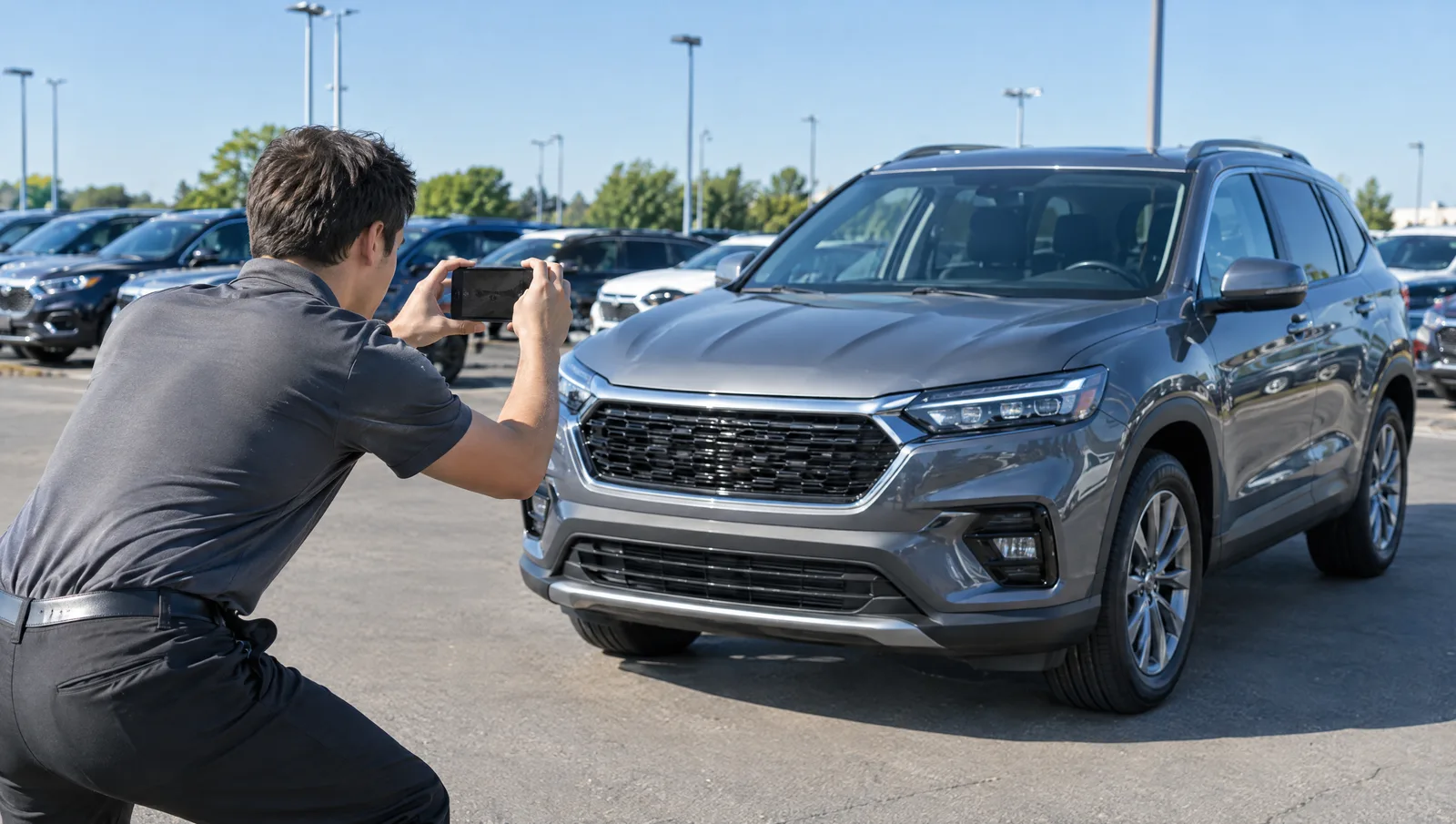
Are AI-edited car photos allowed on Cars.com, CarGurus and Google?
None of the policies below bans editing outright. What they share is an accuracy standard: the photos must show the actual vehicle you are selling.
- Cars.com: its Vehicle Listing Policy (last revised June 23, 2026) says that if a dealer listing contains images or videos, "the media must accurately depict the vehicle the Dealer is selling." Dealers must also use only content they own or have a valid license to post.
- CarGurus: its dealer pricing and marketing guidelines say that listing images and videos "must accurately represent the vehicle being offered for sale," and that CarGurus may remove inaccurate or misleading ones. Each listing must also reflect the "make, model, year, trim, VIN, options, and other features of the specific vehicle for sale."
- Google Vehicle Ads: the Merchant Center image requirements say "Stock images are allowed for new cars as long as they show the same make, model, and color as the car listed." They disapprove overlaid watermarks and superimposed logos or text. The same page notes that rules in the European Union, India and New York require disclosures or labels on ads with certain AI-generated or edited assets.
- Autotrader: we could not find a published photo authenticity rule for dealers. Apply the same accuracy standard anyway.
- Facebook Marketplace: check Meta's Commerce Policies directly before listing, since they are the rules that apply there.
Do AI car photos hurt buyer trust?
They can, when the edit changes something the buyer will notice in person. A shopper who drives an hour to see a car and finds different wheels, a missing badge or a scratch that was not in the photos has a reason to doubt everything else on the listing.
The working rule is simple: change the setting, never the car. A clean background, corrected exposure and a masked plate are presentation. Removing damage, altering trim or inventing features is misrepresentation. For more on how honest images build confidence, see our guide to building buyer trust with transparent, high-quality visuals.
How can you test an AI photo tool before you commit?
Test any tool on real inventory, not a sample image. Run this test on five cars this week:
- Pick five hard cars. One black car, one white car, one with aftermarket or distinctive wheels, one with a known scratch or dent, and one pickup truck.
- Shoot the same set for each. Front three-quarter, side, rear three-quarter, rear, wheel close-up, dash, front seats and cargo area.
- Run every tool on the same photos. Use the same instruction, such as "place on a plain gray studio background, do not change the vehicle."
- Compare at full size against the originals. Count wheel spokes, read each badge, confirm the damage is still visible, check the plate and look for paint color shifts.
- Line up all eight results for one car side by side. Do they look like one photo session or eight different ones?
- Time it. Record minutes per car, including downloading, renaming and uploading to your website and marketplaces.
Where does HelloRamp.ai fit?
HelloRamp Studio is built for the dealership column in the table above. One guided walkaround on a smartphone produces stills, a 360 spin and a video tour. Studio uses 50+ AI models tuned per vehicle type, applies the same background and framing to every photo and masks plates automatically.
Every image, spin and tour then goes through HelloTrust human review. A trained reviewer compares it with the original capture before it publishes, anything flagged gets a second reviewer, and nothing goes live on an automated pass alone. Finished media goes to your website VDPs and to marketplaces such as Cars.com, CarGurus, Autotrader and Facebook Marketplace. Our guide to where to publish car listings compares those channels.
The fairest way to choose is the five-car test above. Run the same five vehicles through HelloRamp Studio, ChatGPT and a design app, and compare accuracy, consistency and minutes per car.
Sources
- Cars Commerce: Vehicle Listing Policy (last revised June 23, 2026)
- CarGurus: Guidelines for Dealer Pricing and Marketing on CarGurus (dated October 13, 2026)
- Google Merchant Center Help: Vehicle ads image requirements (checked October 2026)
- FTC: FTC Warns 97 Auto Dealership Groups About Deceptive Pricing (March 13, 2026)
Frequently asked questions
Can I use ChatGPT to edit my dealership's car photos for listings?
You can, but check every output against the original. General AI image tools often regenerate the picture, which can change wheels, badges, trim or visible damage. They also work one image at a time and do not publish to your website or marketplaces, so checking and uploading time adds up.
Can Gemini change a car photo's background without changing the car?
Sometimes, but it is not guaranteed. Like other general-purpose image models, Gemini may redraw the whole image when it changes the background, so small vehicle details can shift. Compare the result to the original at full size, including wheels, badges, paint color and any damage, before you use it.
Are AI-edited car photos allowed on Cars.com?
Cars.com's Vehicle Listing Policy does not ban edited images, but it says listing media "must accurately depict the vehicle the Dealer is selling." A new background or corrected lighting fits that rule. Edits that alter the car, such as removing damage or changing trim, do not.
Do online marketplaces flag AI-enhanced car photos?
The published listing policies of Cars.com and CarGurus do not describe an automatic AI detection check. They focus on accuracy: media must show the actual vehicle for sale, and CarGurus says it may remove inaccurate images. A listing that does not match the car can be removed or lose the buyer.
Is Canva or Photoroom enough for dealership car photos?
For a few social graphics or one-off background removals, a general design app can work. For full inventory, it lacks dealer workflows such as consistent sets across every car, 360 spins, automatic plate masking and publishing to VDPs and marketplaces, so staff time grows with every vehicle listed.
HelloRamp Studio guides the walkaround, corrects the lighting and backgrounds, and produces the listing stills, the 360° spin and the video tour from one five-minute capture on a phone. No booth, rig or dedicated photographer.