
Highlighting Value Propositions Through Visuals
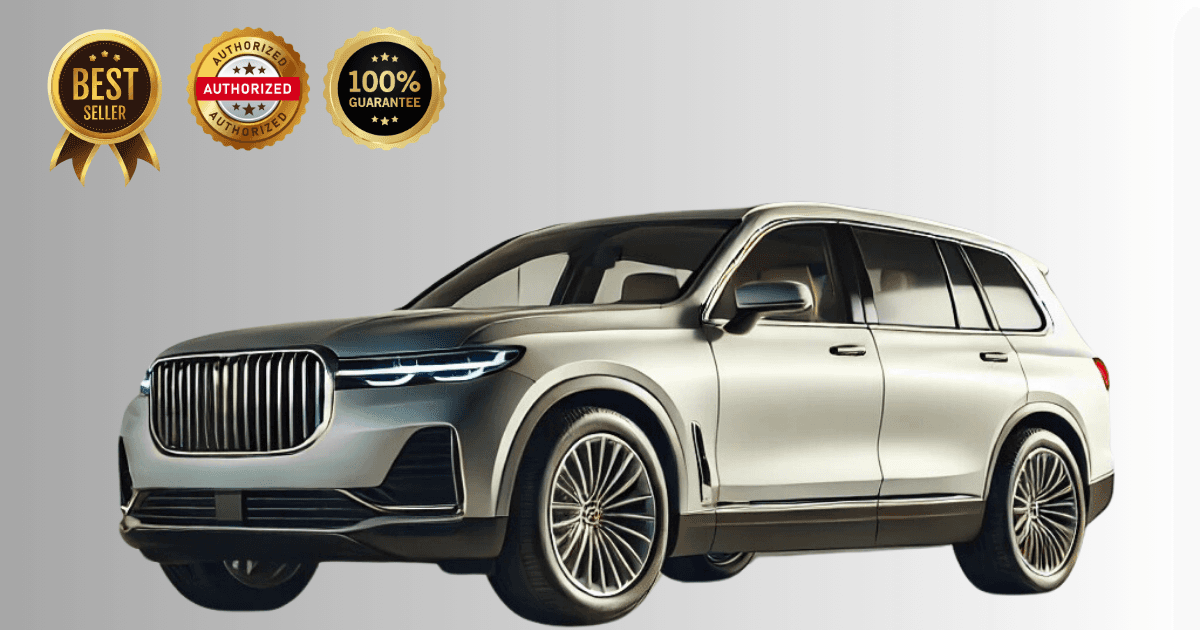
Highlighting a value proposition visually means putting the reason to buy into the image itself: a price flag, a short badge for a standout feature or trim, and a lead image that shows what makes this car different from the twenty others on the same results page.
Key takeaways
- A listing competes in a grid, so the reason to click must be visible in the thumbnail.
- Price, one feature badge and the model name are usually enough on the image.
- Overlays applied by template stay consistent across the whole inventory.
- Everything on the image must be true and verifiable in the listing body.
Why do visuals matter for value propositions?
- Grab Attention: Eye-catching visuals quickly convey what sets a car apart.
- Simplify Information: Images with overlays or annotations can communicate complex features at a glance.
- Build Buyer Trust: Transparent, detailed visuals assure buyers of quality and authenticity.
- Boost Conversion Rates: Buyers are more likely to click and inquire when they see a clear value proposition.
How do you show a price advantage visually?
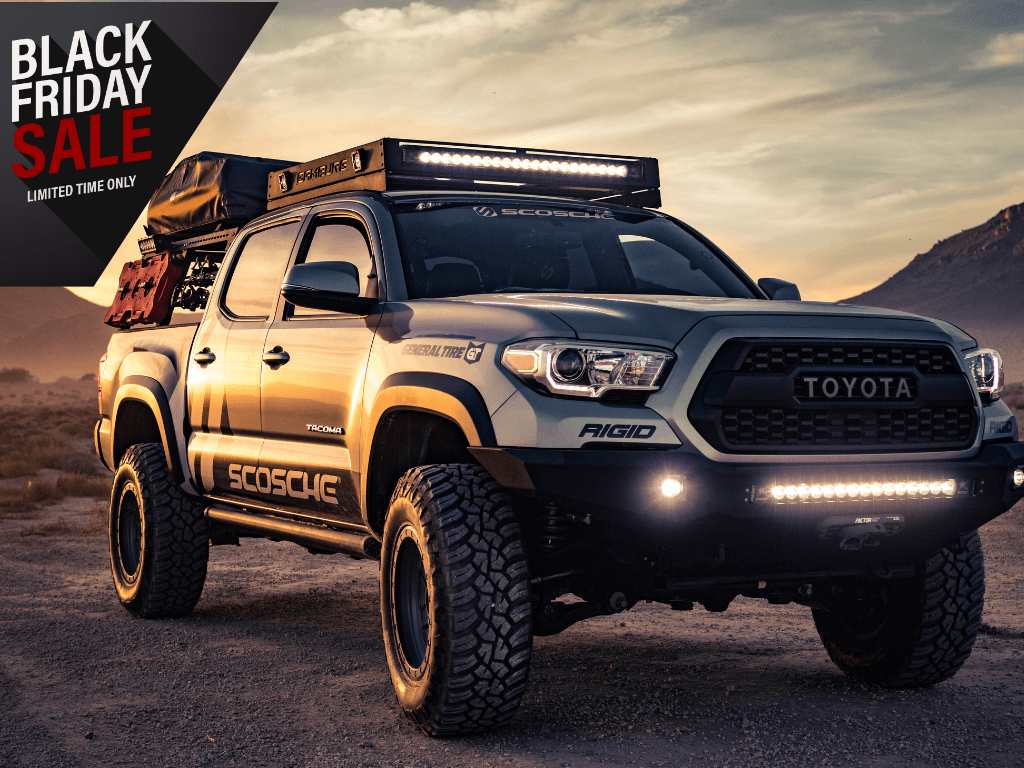 Price is often the first thing buyers notice. Use visuals to make pricing clear and compelling:
- Highlight Discounts: Add text overlays like “$2,000 Off” or “Special Price” to emphasize promotions.
- Compare Value: Use side-by-side visuals to show why the car offers more value for its price compared to competitors.
- Finance Options: Visuals can also highlight financing perks, such as “Zero Down Payment” or “Low Monthly EMIs.”
Pro Tip: Use contrasting colors (e.g., red or yellow text) to make price information stand out while keeping the overall design clean and professional.
Which features are worth highlighting in photos?
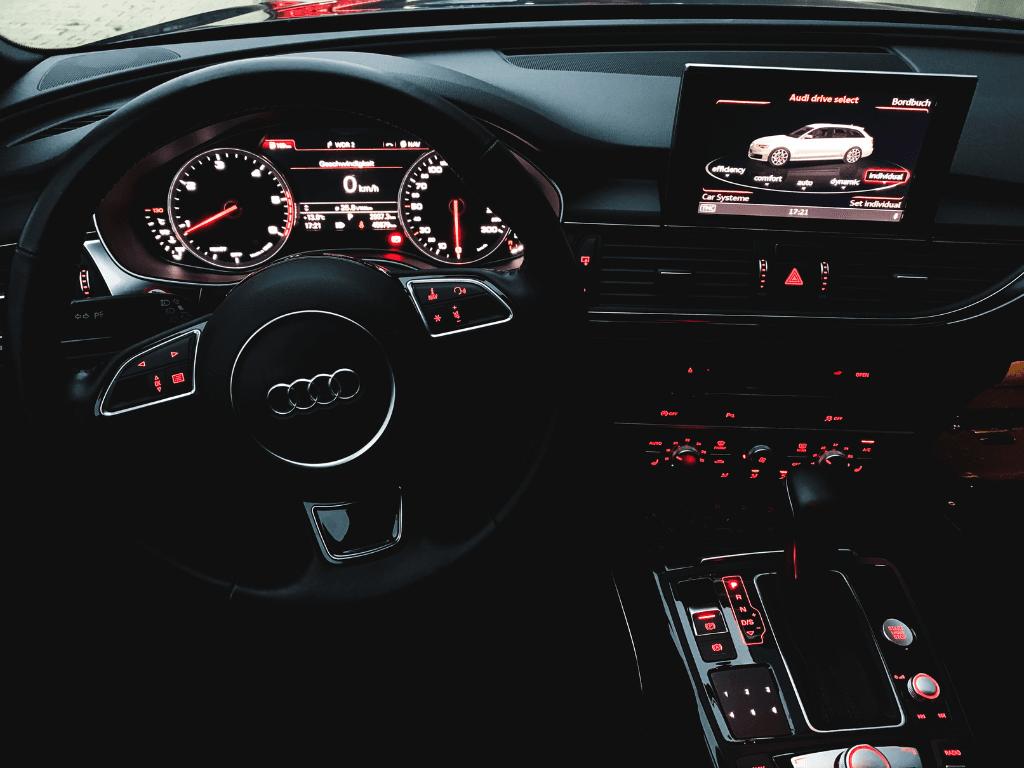 Every car has features that appeal to specific buyers. Showcase these features through detailed visuals:
- Exterior Features: Use close-up shots to highlight premium paint finishes, alloy wheels, or LED headlights.
- Interior Features: Capture infotainment systems, leather seats, or advanced climate control.
- Performance Perks: Show speedometers, gear systems, or fuel efficiency stats to appeal to performance-conscious buyers.
Interactive Visuals:
- Use clickable hotspots or 360° spin views to let buyers explore features at their own pace.
- For example, highlight key tech upgrades like Apple CarPlay compatibility or advanced safety systems like lane assist.
How do you show what makes a model stand out?
Help buyers understand what makes a particular model special:
- Unique Selling Points: Highlight model-specific advantages, like cargo space in an SUV, compact size in a hatchback, or towing capacity in a truck.
- Comparison Shots: Use visuals to compare your car model against older versions or similar models in the market.
Pro Tip: Add a caption or label to visuals explaining why a model is superior. For example:
- “Class-Leading Cargo Space”
- “Best Mileage in Its Segment”
4. What goes on the lead image?
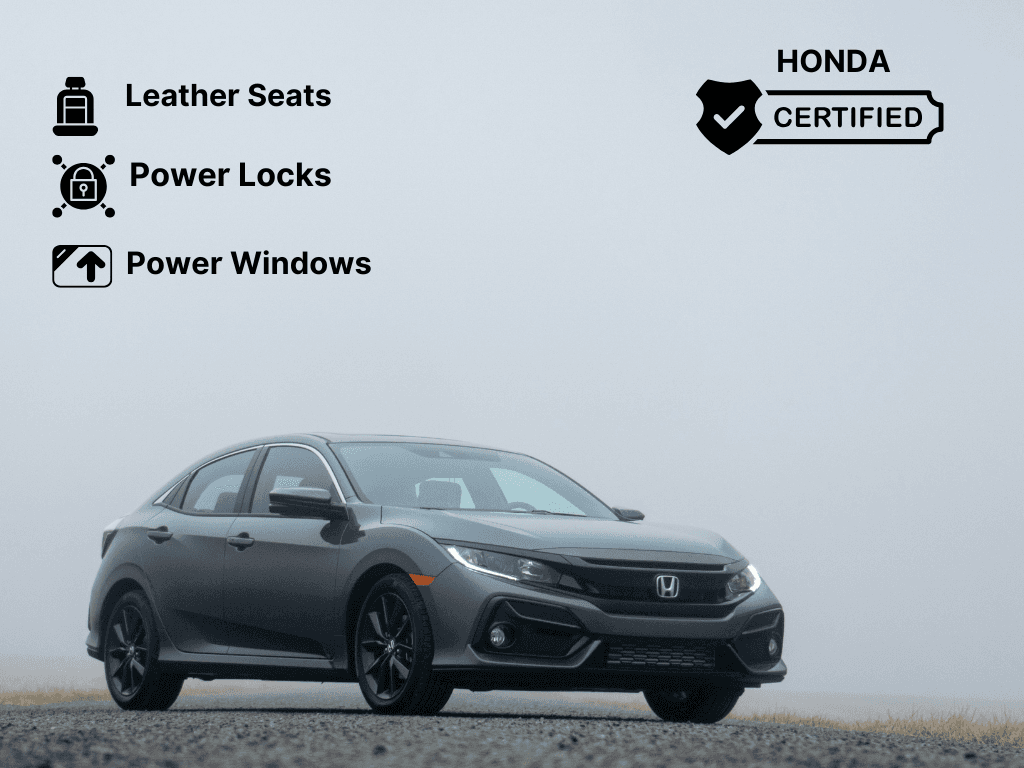 Thumbnails are the first touchpoint in online listings, so keep the overlay sparse:
- Price and one short badge, applied by template. Anything more and all of it shrinks.
- “$10,000 | Low Mileage” reads at thumbnail size. A three-part overlay does not.
- Use clean, consistent backgrounds to keep the focus on the car.
- Add your dealership’s branding subtly to establish trust.
When does lifestyle imagery help sell a car?
 Help buyers visualize the car in their lives:
- Family Cars: Show a family loading groceries or driving through a neighborhood.
- Adventure Vehicles: Place SUVs or trucks in rugged settings, like mountain trails or beach roads.
- Luxury Cars: Highlight elegance with premium backdrops like upscale homes or urban skylines.
These lifestyle visuals create emotional connections, aligning the car with buyers’ aspirations.
How do visuals build buyer trust?
 Buyers appreciate honesty, especially when purchasing pre-owned cars:
- Show Imperfections: Highlight minor scratches or wear and tear to set realistic expectations.
- VIN and Reports: Include visuals of the Vehicle Identification Number (VIN) plate or clean maintenance reports to boost credibility.
- Condition Highlights: Use clear visuals to show tire treads, underbody, or engine condition.
Pro Tip: HelloRamp.ai allows you to standardize these visuals and enhance them for clarity, ensuring a professional presentation.
7. Where do infographics belong?
In the detail page gallery or a social post, never on the lead image, where they compete with the car. Used there, they can combine price, features and advantages into a single visual:
- Feature Overlays: Use icons or text bubbles to call out key features, like “20 MPG City,” “Heated Seats,” or “5-Star Safety Rating.”
- Side-by-Side Comparisons: Highlight how a car compares to others in its segment.
- Statistical Highlights: Add graphs or charts for data like fuel efficiency or performance metrics.
How do you optimise value-proposition visuals for mobile and search?
Most buyers browse car listings on their phones, so ensure your visuals are optimized for mobile:
- Use responsive images that load quickly without compromising quality.
- Optimize file names (e.g., “2024-Honda-Civic-Features.jpg”) and alt text to improve search rankings.
- Ensure overlays and captions are legible on smaller screens.
Can AI tailor visuals to different buyers?
HelloRamp Studio helps dealerships create visuals tailored to their audience:
- Automatic Enhancements: Adjust brightness, contrast, and color for a polished look.
- Overlay Templates: Add consistent, branded overlays with price and feature details.
- 360° Views: Create immersive spin views to showcase features and value comprehensively.
- Background Editing: Replace cluttered backgrounds with clean, professional ones in seconds.
Conclusion
Using visuals to highlight price, features, and model advantages is key to standing out in the competitive online car marketplace. By combining high-quality imagery, interactive features, and clear overlays, dealerships can effectively communicate a car’s value propositions and drive buyer engagement.
Frequently asked questions
How do you show a car's value in a listing image?
Put the deciding fact on the lead image: a price flag, a short badge for the standout feature or trim, and nothing else that competes with them at thumbnail size.
What information should go on a car image overlay?
Price, one short feature or condition badge, and your logo. Adding more means all of it shrinks, and a crowded overlay reads as less credible than a sparse one.
How do you make a listing stand out in a results grid?
A unique, well-cropped lead image rather than the same three-quarter shot everyone uses, plus one clear differentiating fact on the image. Consistency across your own listings helps buyers recognise them.
Can overlays be applied automatically across an inventory?
Yes. Overlay templates locked to your brand can be applied to every vehicle automatically, pulling price and features from the vehicle record so nothing is typed by hand.
HelloRamp.ai is AI visual merchandising for car dealerships: guided capture, daily social publishing and personalised video replies to leads, in one platform. Book a walkthrough using your own vehicles.