
Optimizing Car Visuals for Mobile in Online Listings
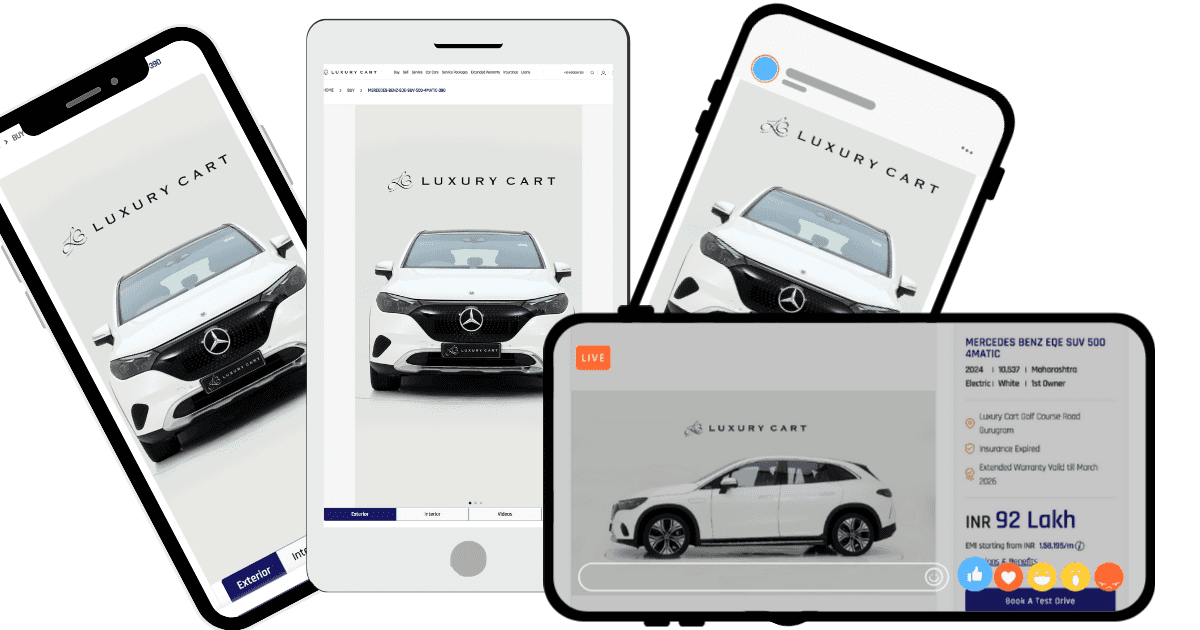
Optimising car visuals for mobile means making listing images readable on a phone screen: a tight crop with the car filling the frame, text large enough to survive shrinking, compressed files that load on a mobile connection, and a vertical-friendly layout. Most car shoppers browse on a phone, so mobile is the default case, not the edge case.
Key takeaways
- Design the image for the phone first; the desktop version takes care of itself.
- Crop tighter than feels right on a laptop, because the car has to fill a small frame.
- File size is a mobile problem: slow images lose buyers before the car is even seen.
- Check every template at phone size before it goes across the whole inventory.
Why does mobile optimisation matter?
- Majority of Traffic: Most car shoppers browse listings on a phone. If your visuals don’t look good on a small screen, you risk losing potential customers.
- Quick Decision-Making: On mobile, users make snap judgments based on the first image they see. Clean, high-quality visuals encourage them to click on your listing.
- Mobile-Specific Challenges: Images may appear cropped, resized, or compressed, leading to distorted colors, blurry visuals, or missed details.
By optimizing your car visuals for mobile, you ensure buyers have a seamless browsing experience, increasing the chances of engagement and conversions.
How do you make car visuals mobile-friendly?
Which angles work best on a phone screen?
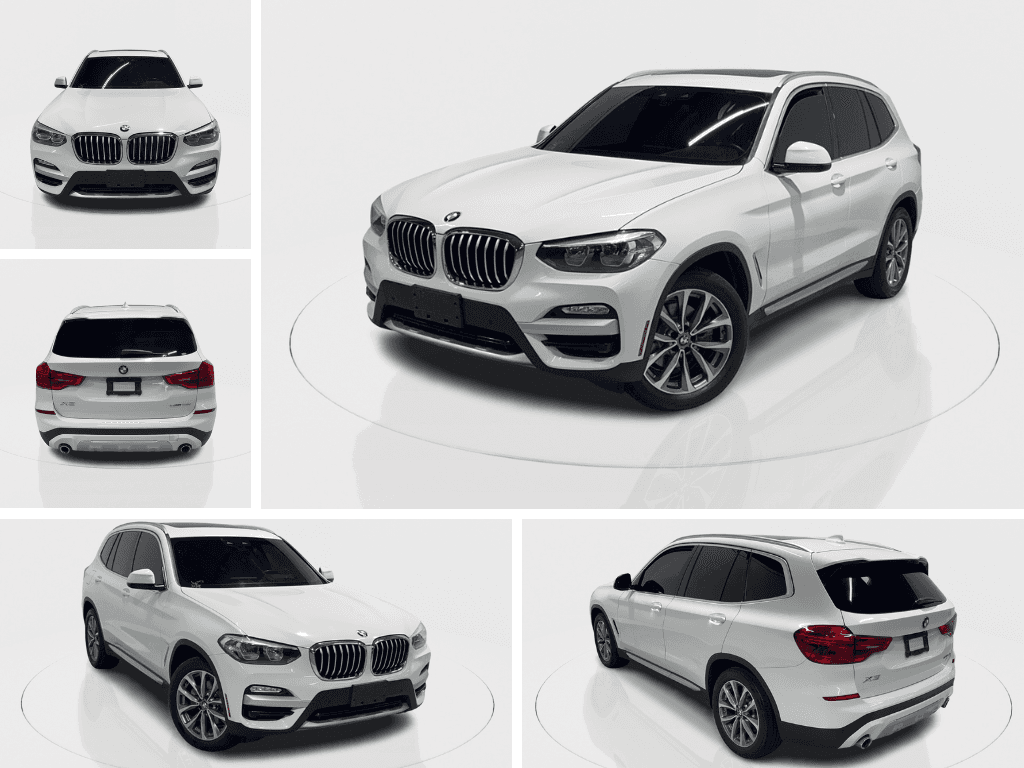 Select angles that showcase the car’s features clearly and completely, even on small screens:
- Front Diagonal View: Displays the car’s front, side, and overall profile, making it an ideal first image.
- Side Profile: Highlights the car’s dimensions and style.
- Interior Close-Ups: Focus on key selling points like the dashboard, seats, or infotainment system.
Avoid using overly artistic or complex angles that may confuse buyers on smaller screens.
What resolution do mobile listing images need?
 Mobile devices automatically adjust the resolution of images, but low-resolution photos can appear blurry or pixelated:
- Minimum Resolution: Use photos with at least 1080 pixels on the shortest side to ensure clarity.
- File Format: Save images in JPEG or PNG for optimal quality without excessive file size.
How do you stop platforms cropping your photos badly?
Many listing platforms crop images differently on mobile compared to desktop:
- Center the Car: Ensure the car is the focal point of the image, with minimal background distractions.
- Crop tight, but leave a margin: Fill the frame with the car, keeping a small consistent margin on all four sides so platform crops do not clip the bodywork. Tight means the car dominates the frame, not that it touches the edges.
What background works best on mobile?
 On mobile screens, cluttered backgrounds become even more distracting:
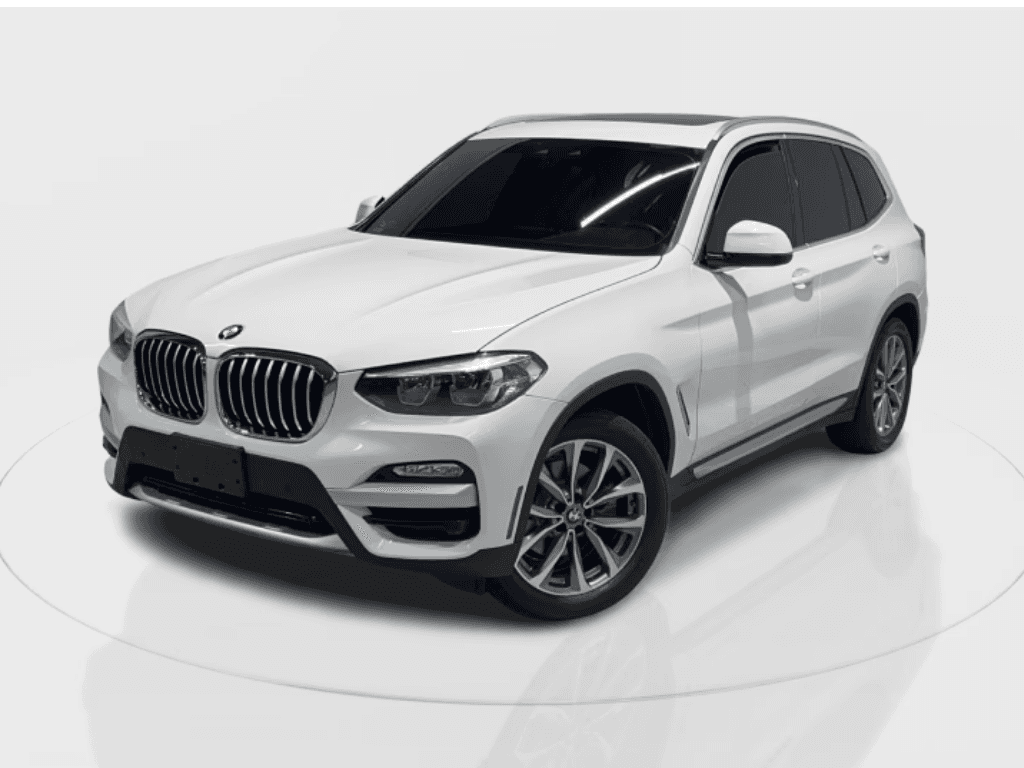
- Neutral Backdrops: Opt for plain or minimal backgrounds to keep the focus on the car.
- HelloRamp.ai Feature: Use the background removal tool to create clean, professional-looking photos.
Why does consistent lighting matter more on mobile?
Lighting inconsistencies can make your photos look unprofessional, especially on smaller screens:
- Even Lighting: Avoid shadows or overexposure, as these flaws are more noticeable on mobile.
- Enhancements: Use HelloRamp.ai to adjust brightness, contrast, and color balance for a polished look.
How do you highlight features at phone size?
 Mobile buyers often swipe quickly through images, so ensure the most important details stand out:
- Close-Ups: Include detailed shots of the headlights, wheels, dashboard, and other standout features.
- Infographics: Add subtle text overlays to highlight features like mileage, year, or condition without overwhelming the image.
How small should mobile listing files be?
Large image files can slow down loading times, frustrating potential buyers:
- Compression: Use tools like TinyPNG or ImageOptim to reduce file size without compromising quality.
- HelloRamp.ai Feature: Automatically optimizes images for web and mobile, ensuring fast loading times.
How do you test listings across devices?
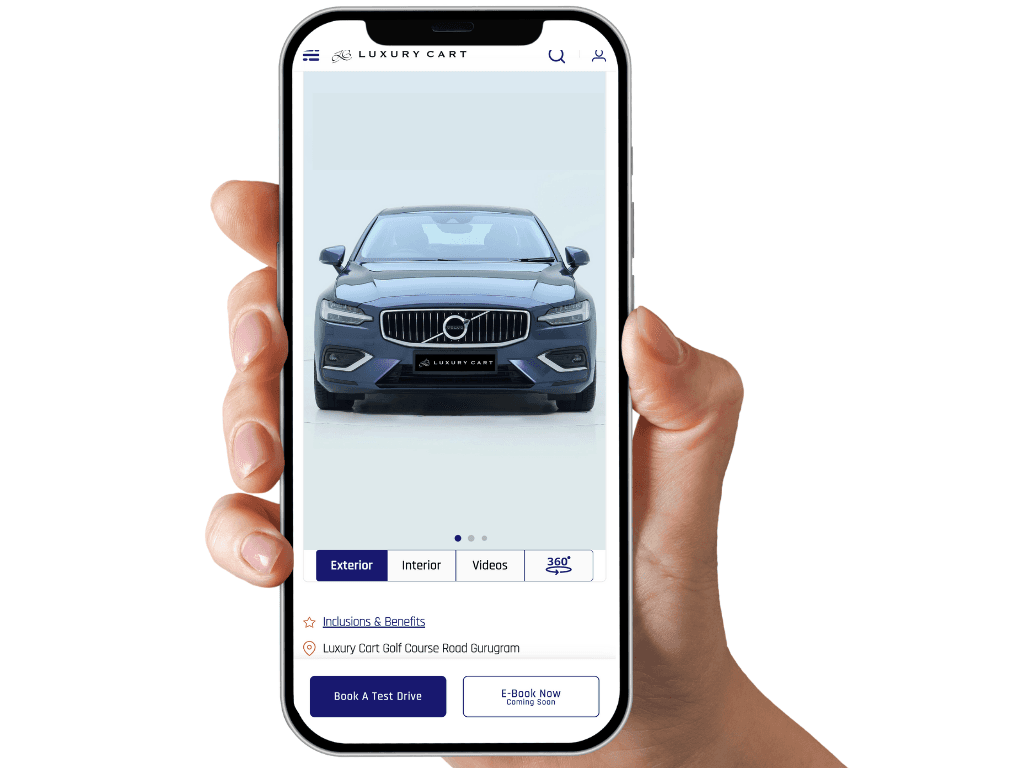 Different smartphones display images differently due to variations in screen size and resolution:
- Cross-Device Testing: Preview your listing on various devices to ensure photos look consistent.
- Aspect Ratio: Use a standard aspect ratio like 4:3 or 9:16 to avoid awkward cropping on certain screens.
What are the most common mobile mistakes?
- Using Oversized Files: Large images may look great but can slow down loading times on mobile devices.
- Ignoring Cropping Rules: Poorly cropped images can cut off important parts of the car.
- Overediting: Too much editing can make photos look artificial, reducing buyer trust.
- Inconsistent Image Style: Using different backgrounds or lighting for each photo makes your listing look unprofessional.
- Skipping Key Details: Missing close-ups of features like the dashboard or infotainment system can make your listing feel incomplete.
Frequently asked questions
Why does mobile optimisation matter for car listings?
Most car shoppers browse listings on a phone. An image that reads well on a laptop can be unreadable at phone size, and a heavy file that loads instantly on office wifi can stall on a mobile connection.
What crop works best for car photos on mobile?
A tight crop with the car filling most of the frame, in a 1:1 or 4:3 ratio. Wide crops with a lot of surrounding space shrink the car to nothing in a mobile listing grid.
How large should text overlays be on mobile car images?
Large enough to read at the smallest size the image will be shown. As a rule, nothing smaller than the model name. Anything finer disappears in a search results grid.
How do you make car images load faster on mobile?
Compress to a modern format, serve a resolution matched to the display size rather than the original, and lazy-load images below the fold.
HelloRamp Studio guides the walkaround, corrects the lighting and backgrounds, and produces the listing stills, the 360° spin and the video tour from one five-minute capture on a phone. No booth, rig or dedicated photographer.