
How Lighting Conditions Affect Car Color and Texture
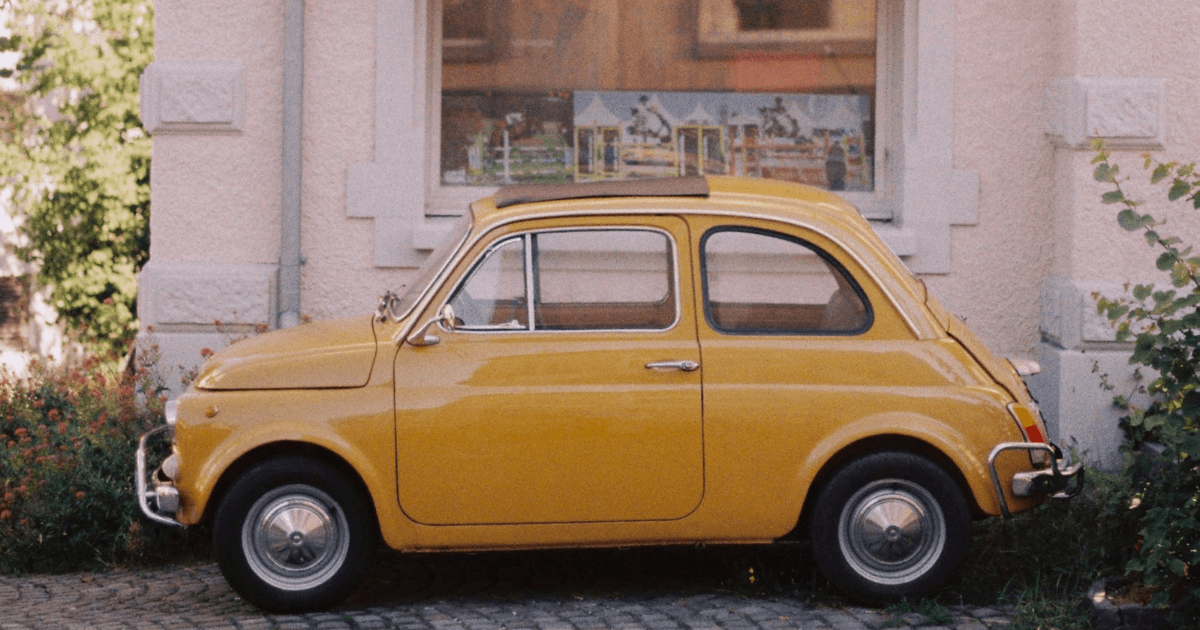
Lighting changes how a car's colour and texture appear in a photograph. Warm light pushes paint towards yellow and red, overcast light towards blue, and mixed indoor lighting produces colour casts that no buyer would see in person. Hard light exaggerates texture; flat light hides it.
Key takeaways
- Colour temperature, not just brightness, decides whether the paint looks accurate.
- Overcast light renders colour most neutrally, which is what a listing needs.
- Hard, low light reveals texture and body lines; flat overhead light flattens them.
- A colour that does not match the car in person is the fastest way to lose a buyer's trust.
Why is lighting important for car photography?
Car buyers often rely heavily on photos when browsing listings online. Accurate lighting ensures the car’s colors are true-to-life, highlighting the paint’s richness and texture. Poor lighting can lead to several issues:
- Distorted Colors: White cars may appear gray or yellow, and vibrant colors like red or blue may look dull or overly saturated.
- Flattened Textures: Lighting can obscure surface details like metallic finishes, matte textures, or even imperfections.
- Misleading Photos: Buyers may feel deceived if the car looks significantly different in person.
To create professional and trustworthy car photos, it’s essential to work with lighting conditions that enhance both color and texture.
How do lighting conditions affect car colour?
How does natural light affect car colour?
Natural light is one of the most accessible and commonly used sources in car photography, but it’s not without its challenges:
- Golden Hour: Flattering, warm and directional, with no harsh shadows or glare. It shifts paint towards yellow and red, so set white balance for the light or correct it afterwards.
- Midday Sun: Harsh sunlight creates strong shadows and glare, washing out colors and making metallic finishes look overly shiny. White cars may appear too bright or lose detail.

An overcast sky renders paint colour most accurately, at lower saturation than direct sun.
- Overcast Conditions: Cloudy skies diffuse light evenly, reducing glare and shadows. This is the most colour-accurate condition for a listing. Saturation looks lower than in direct sun, and that lower saturation is closer to how the buyer will see the car in person.
How does studio light affect car colour?
Studio lighting gives full control over color and texture:
- Softboxes and Diffusers: Spread light evenly to highlight a car’s color without harsh reflections.
- Temperature and Color Balance: Warm lighting may enhance red and yellow tones but distort blue shades. Cool lighting can make white cars look too sterile or pale.
- Spotlights: These are useful for accentuating specific features but can cause uneven lighting if not positioned carefully.
How do you handle mixed lighting?
Combining natural and artificial light can create inconsistencies in color. For instance, sunlight combined with fluorescent light can lead to color casts, where the car appears yellowish or bluish. Correcting this in post-production can be challenging.
How do lighting conditions affect texture?
How does light behave on glossy paint?
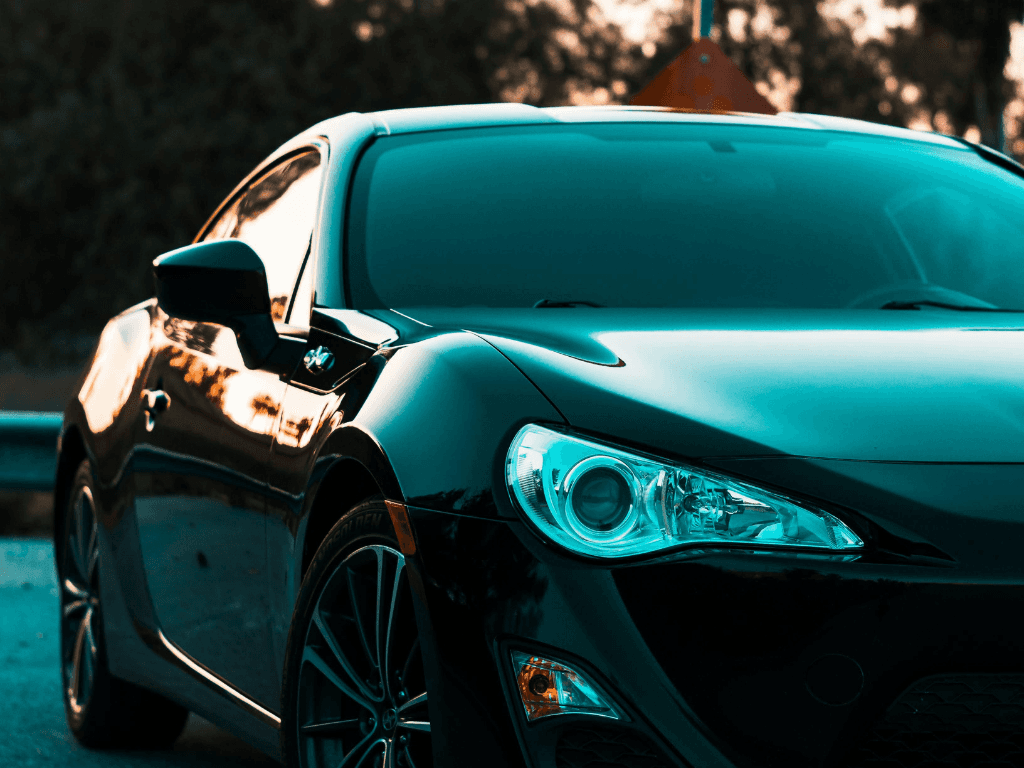
Glossy paint will show reflections in harsh light. Diffused light works better for cars such as these.
- Harsh Light: Highlights and reflections from harsh sunlight or strong artificial lights can obscure the car’s surface details, such as scratches or metallic finishes.
- Diffused Light: Soft, even lighting enhances glossy textures without overwhelming reflections, allowing the paint’s finish to shine naturally.
How does light behave on matte paint?
- Flat Appearance: Matte finishes can appear overly flat or dull under soft light if not angled correctly.
- Subtle Shadows: Use angled lighting to create soft shadows that bring out the matte texture without overwhelming the image.
How does light behave on metallic finishes?
- Sparkle and Depth: Metallic paints require even, angled lighting to capture the sparkle effect without harsh glares.
- Overexposure: Too much light can wash out the metallic details, making the finish appear plain or reflective.
How does light affect interior textures?
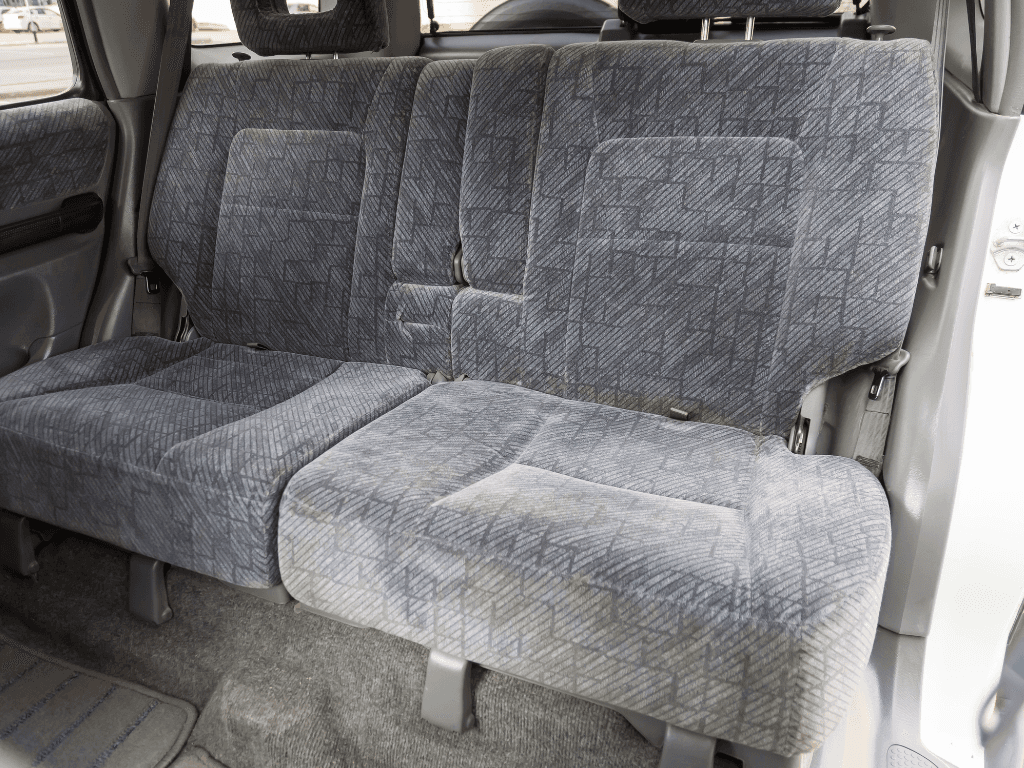
Poor lighting can make interiors look dull.
- Underexposure: Poor lighting inside the car can make textures like leather, stitching, or upholstery look dull.
- Balanced Light: Use soft, diffused light to capture the richness of leather or the patterns in fabric.
Tips to Optimize Lighting for Accurate Color and Texture
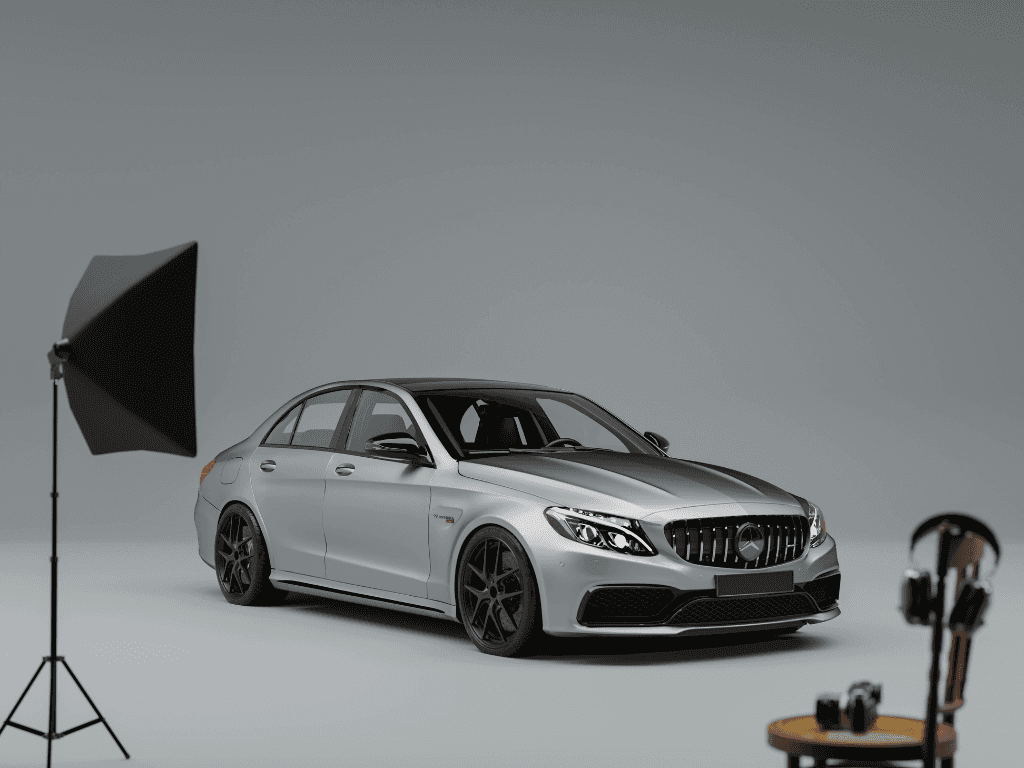
Get the right equipment for your photoshoot or use HelloRamp.ai to correct the light conditions.
- Choose the Right Time of Day Shoot during the golden hour for warm, even lighting, or overcast days for reduced glare and shadows.
- Position the Car Carefully Avoid parking under trees or near buildings that cast shadows on the car’s surface. Shadows distort texture and color consistency.
- Control Reflections Use a polarizing filter to minimize reflections on the windshield and car body. This ensures the car’s paint and texture remain the focal points.
- Diffuse Artificial Light Use softboxes, diffusers, or umbrellas to spread light evenly, avoiding harsh glare or uneven highlights.
- Check White Balance Adjust the white balance on your camera or smartphone to match the lighting conditions, ensuring colors appear natural.
- Edit Smartly HelloRamp.ai or Adobe Lightroom can correct lighting inconsistencies, balance colors, and enhance textures. However, avoid overediting, as it may make the car look unnatural.
Conclusion
Lighting conditions significantly impact how a car’s color and texture appear in photos. By mastering natural and artificial lighting techniques, you can capture images that are both accurate and appealing. With the right lighting and techniques, you can create car listings that truly stand out and build buyer confidence.
Frequently asked questions
Why does my car look a different colour in photos?
Because light has a colour temperature. Golden-hour sun pushes paint warm, shade and overcast skies push it cool, and sodium or fluorescent lot lighting adds a strong cast. Setting white balance to the actual light source corrects most of it.
What lighting shows a car's true colour?
Even, diffused daylight, such as an overcast sky or open shade. It has no strong colour cast and no hard highlights, so the paint renders close to how it looks in person.
How does lighting affect the texture of a car's paint?
Low, directional light rakes across the surface and reveals texture, swirl marks and body lines. Flat overhead light hides them. Choose based on whether the texture is a selling point or a flaw.
Is it dishonest to edit the colour of a car in a listing photo?
Correcting a colour cast so the paint matches the real car is accurate. Changing the paint colour, or hiding wear and damage, is misrepresentation and will cost you the sale at the viewing.
HelloRamp Studio guides the walkaround, corrects the lighting and backgrounds, and produces the listing stills, the 360° spin and the video tour from one five-minute capture on a phone. No booth, rig or dedicated photographer.