
Creating Engaging Car Thumbnails: Your Key to Grabbing Attention
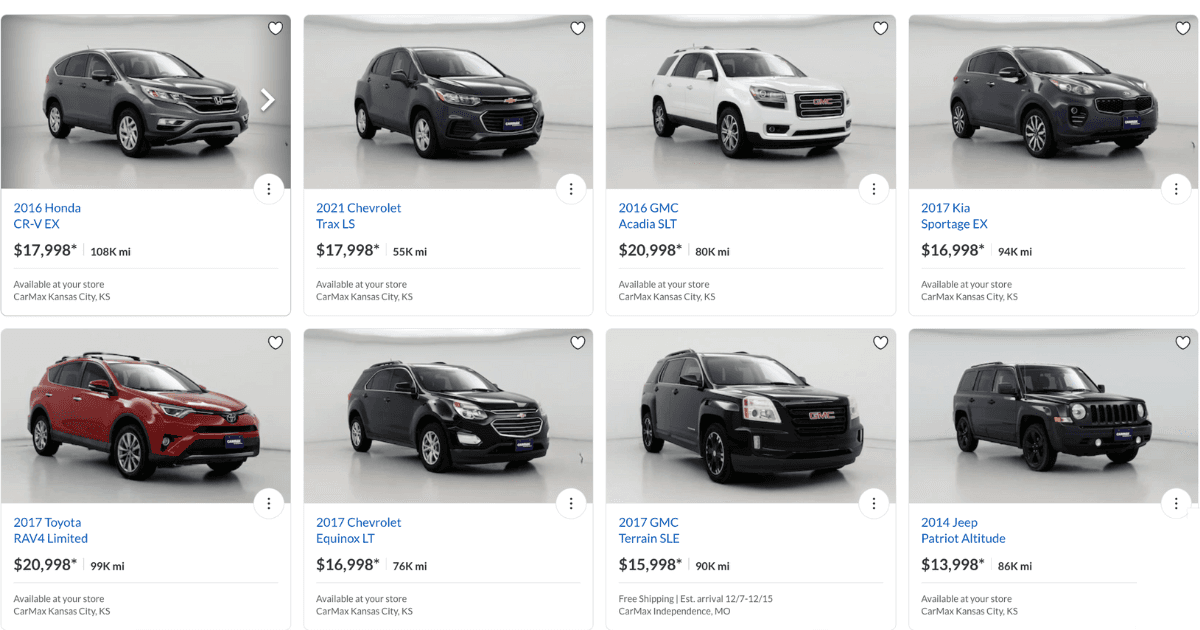
A car listing thumbnail is the single preview image a buyer sees in marketplace search results before clicking. It is displayed small, often only a few hundred pixels wide, so it has to read at that size: one clean angle, an uncluttered background, and no text smaller than the model name.
Key takeaways
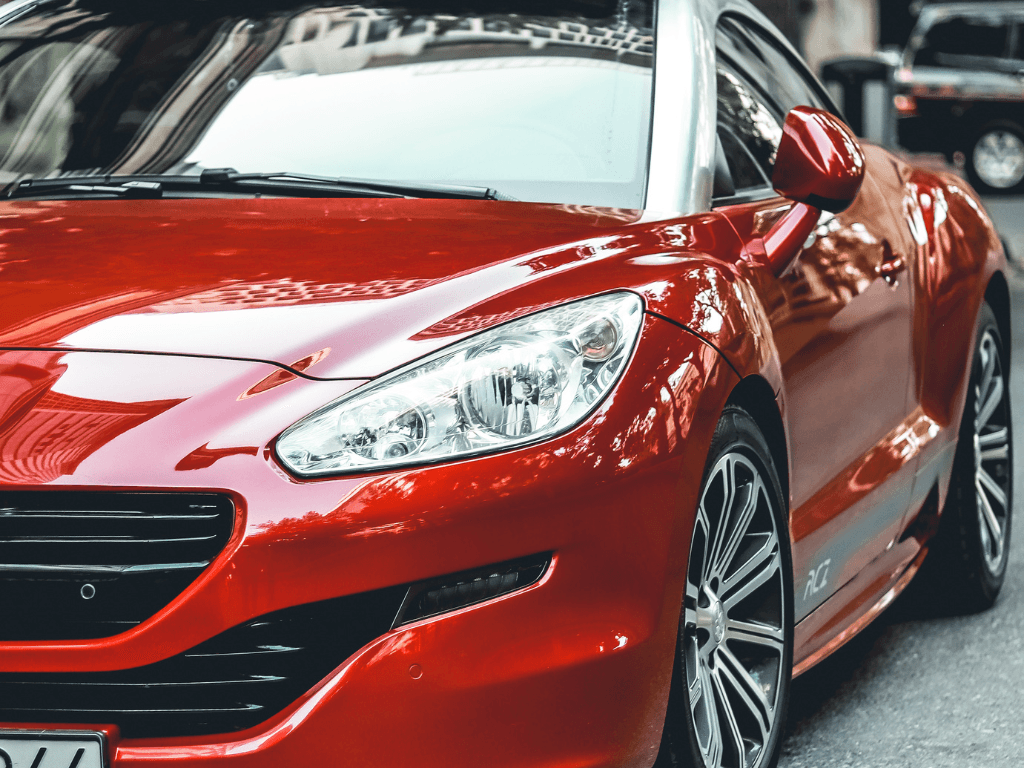
- A front three-quarter angle reads best at thumbnail size, because it shows the front and one side in the same frame.
- Clean, consistent backgrounds keep the car the subject and make a whole inventory look like one dealership.
- Overlays earn their place only if they survive shrinking: price, a short badge, and the logo.
- Most thumbnails are viewed on a phone, so check the crop at phone size before publishing.
Why do car listing thumbnails matter?
Thumbnails act as the gateway to your listings. They:
- Grab Attention: A high-quality thumbnail attracts buyers scrolling through a sea of listings.
- Highlight Key Features: Thumbnails showcase the car’s most attractive angles and features.
- Increase Click-Through Rates: Well-designed thumbnails encourage buyers to “view more.”
A poor-quality thumbnail, on the other hand, can go unnoticed, costing you valuable traffic and inquiries.
What makes a car thumbnail effective?
How sharp does a thumbnail need to be?
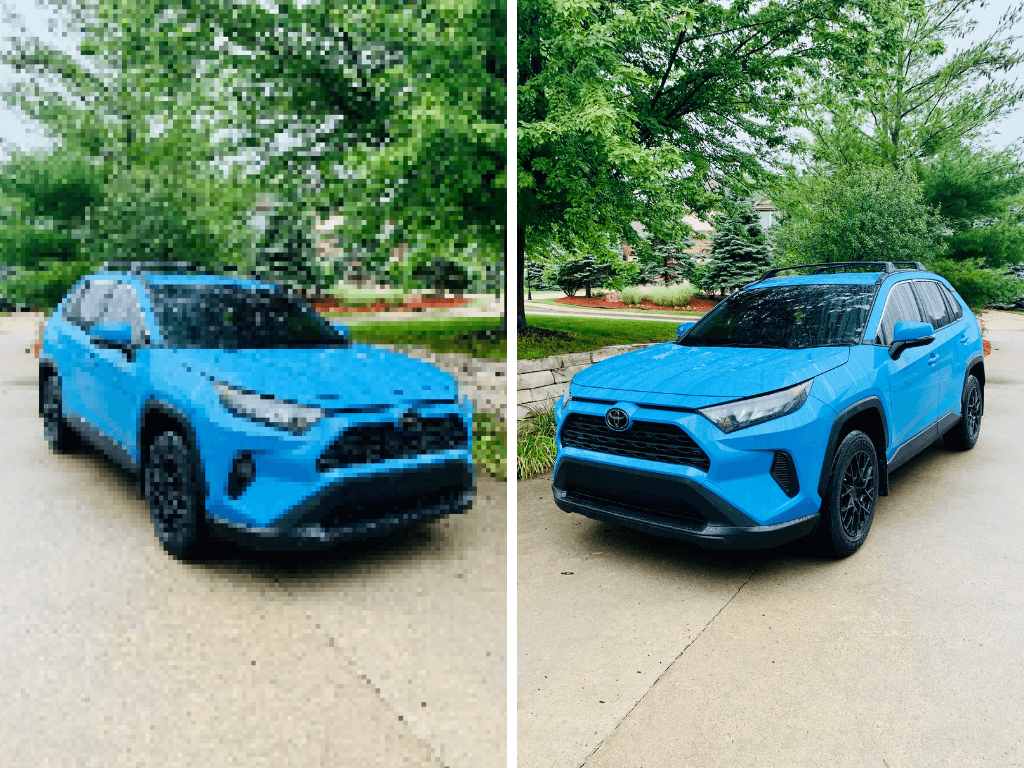
- Use crisp, clear photos that highlight the car’s details. Blurry or pixelated images can make your listing look unprofessional.
Which angle works best in a thumbnail?
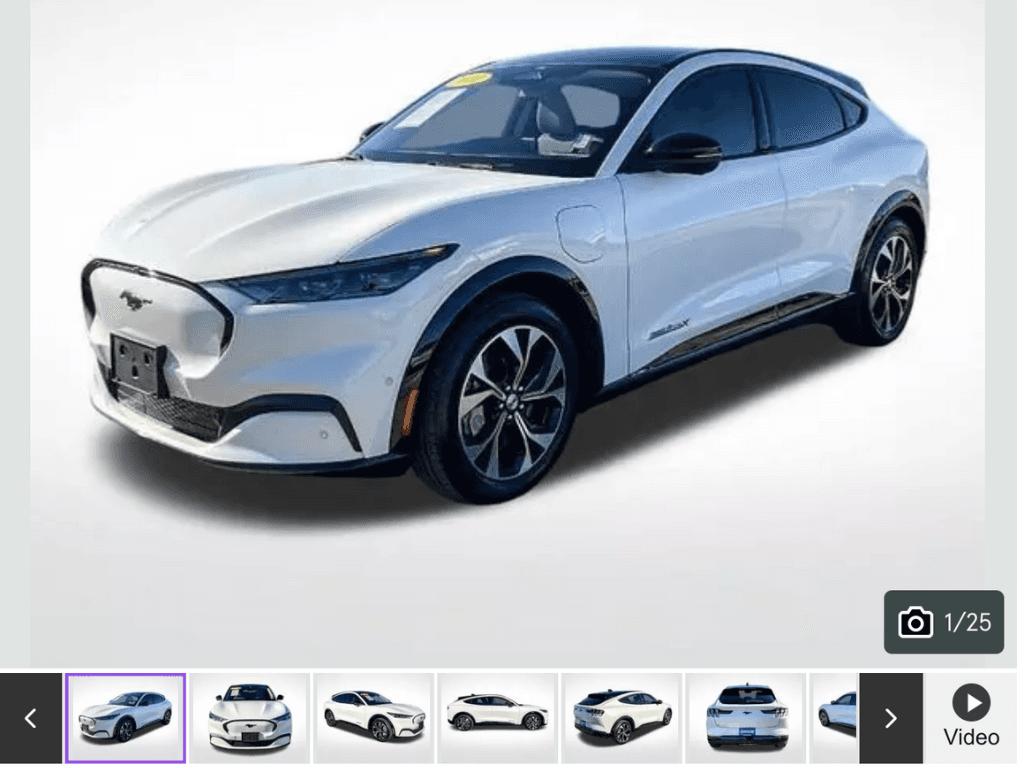 The angle you choose can significantly impact how the car is perceived:
- Front Diagonal View: Showcases the car’s design and gives a complete look at the front and side.
- Side Profile: Highlights the car’s length and silhouette, ideal for sedans and SUVs.
- Interior Features: For luxury vehicles, consider close-ups of premium interiors for thumbnail use.
What background suits a thumbnail?
- A neutral background ensures the car remains the focus.
- Avoid cluttered or distracting elements like trees, buildings, or other cars.
Should a thumbnail carry a text overlay?
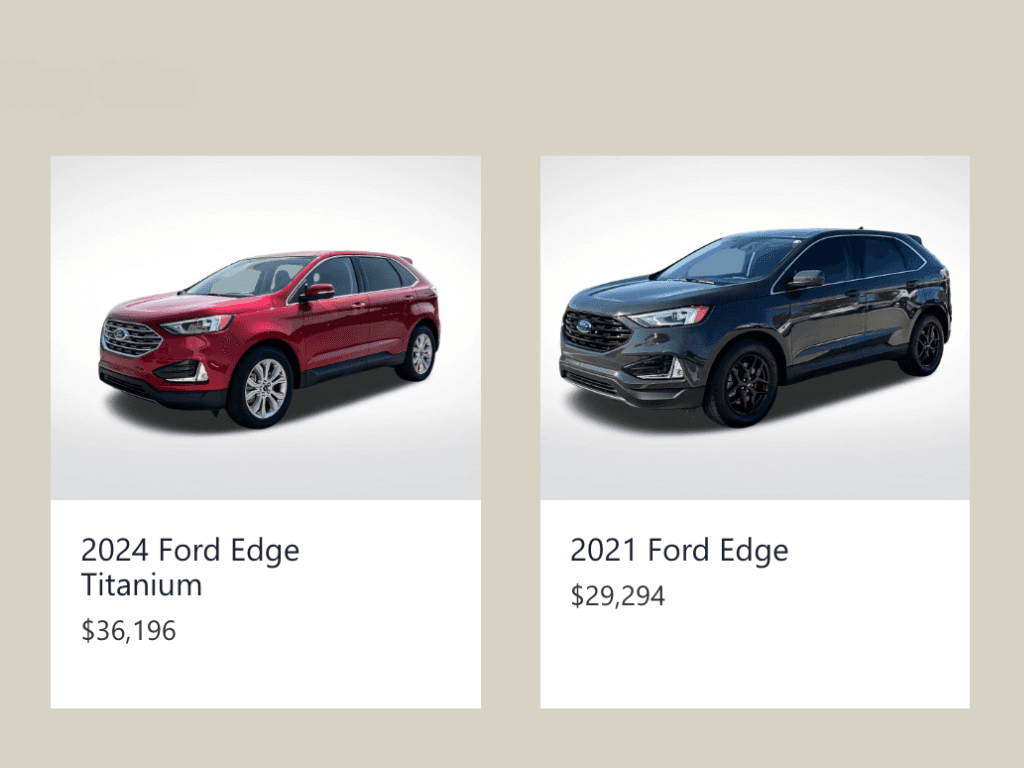 A tasteful overlay can provide key information while keeping the image clean:
- Examples:
- “Certified Pre-Owned”
- “$2,000 Off”
- “Low Mileage”
- Use a consistent style and font to maintain a professional look.
How do you make a thumbnail readable on a phone?
Most buyers browse car listings on their smartphones, so thumbnails must look good on smaller screens:
- Use a 1:1 or 4:3 aspect ratio for thumbnails that display well across devices.
- Test your thumbnails on mobile to ensure they remain clear and engaging.
How do you show a car’s selling point in one image?
Use your thumbnail to emphasize what sets the car apart:
- Special features like sunroofs, alloy wheels, or LED headlights.
- Unique colors or finishes that make the car stand out.
Should a thumbnail carry dealership branding?
Add your dealership’s logo subtly to build brand recognition and trust. Keep it small and non-intrusive to maintain the focus on the car.
What are the most common car thumbnail mistakes?
- Using Low-Resolution Images: Poor-quality thumbnails appear unprofessional and can deter clicks.
- Overcrowded Overlays: Avoid cluttering the image with too much text or graphics.

- Mismatched Backgrounds: Inconsistent backgrounds across thumbnails create a disorganized look.
- Incorrect Aspect Ratios: Cropped or distorted images can harm the car’s appeal.
- Ignoring Mobile View: Ensure thumbnails are optimized for smaller screens.
How do you design a car thumbnail, step by step?
- Capture the Right Angle: Take a clear, high-resolution photo of the car’s best angle.
- Edit the Image: Use editing tools to enhance brightness, contrast, and clarity.
- Add a Clean Background: Replace cluttered settings with a neutral backdrop for a professional finish.
- Include Overlays: Add subtle text or graphics to highlight promotions or features.
- Test for Mobile: Preview your thumbnail on a smartphone to ensure it looks good on smaller screens.
Conclusion
Car thumbnails are more than just images—they’re the first step in grabbing a buyer’s attention. By focusing on high-quality visuals, clean backgrounds, and key selling points, you can create thumbnails that drive clicks and conversions. With a little attention to detail, your car listings can attract more views and ultimately lead to faster sales.
Frequently asked questions
What size should a car listing thumbnail be?
Use a 1:1 or 4:3 crop. Marketplace search pages commonly display thumbnails a few hundred pixels wide, so the frame has to read at that size: one clean angle, an uncluttered background, and no text smaller than the model name.
Which angle works best for a car thumbnail?
A front three-quarter view. It shows the front and one side in the same frame, which reads as a whole car at small sizes where a straight-on front or a flat side profile does not.
Should a car thumbnail have text on it?
Only what survives shrinking. Price, a short condition or feature badge, and the dealership logo are enough. Anything smaller than the model name will be unreadable in a search results grid.
Why do my listing thumbnails look inconsistent?
Because they were shot by different people in different light against different backgrounds. Standardising the angle, the crop and the background across the whole inventory is what makes a set of listings look like one dealership.
HelloRamp Studio guides the walkaround, corrects the lighting and backgrounds, and produces the listing stills, the 360° spin and the video tour from one five-minute capture on a phone. No booth, rig or dedicated photographer.