
Using Backgrounds: Studio, Outdoor, and Virtual
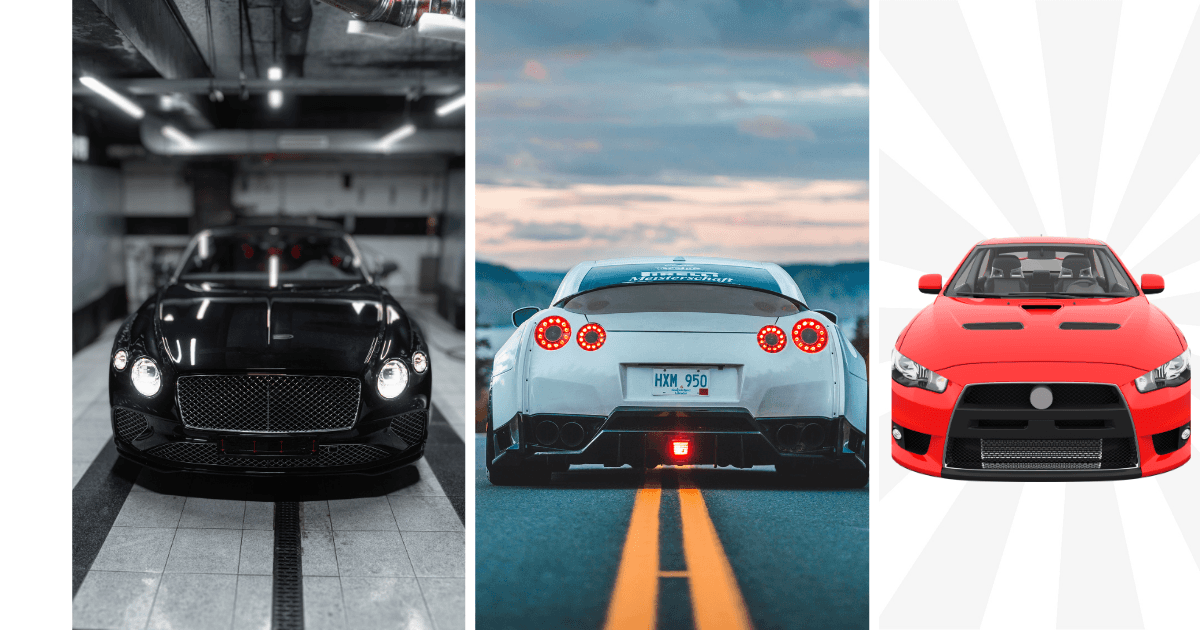
Car photography backgrounds fall into three types: outdoor locations, indoor or studio setups, and virtual backgrounds applied after the shoot. Outdoor is cheapest and least consistent, studio is the most consistent and most expensive, and virtual backgrounds give studio consistency from photos taken anywhere on the lot.
Key takeaways
- A background's job is to disappear so the car is the only subject in the frame.
- Consistency across the whole inventory matters more than which background you pick.
- Outdoor shooting is free but varies with weather, time of day and location.
- Virtual backgrounds give one standard for every car without building a studio.
When should you use an outdoor background?
Outdoor backgrounds can give your photos a natural, inviting look, especially when the lighting is right. Here are some things to keep in mind:
Where should you park the car for an outdoor shoot?
Avoid taking photos on shabby roads or places with garbage, debris, or clutter in the background. A messy background can give an unprofessional impression and distract from the car.
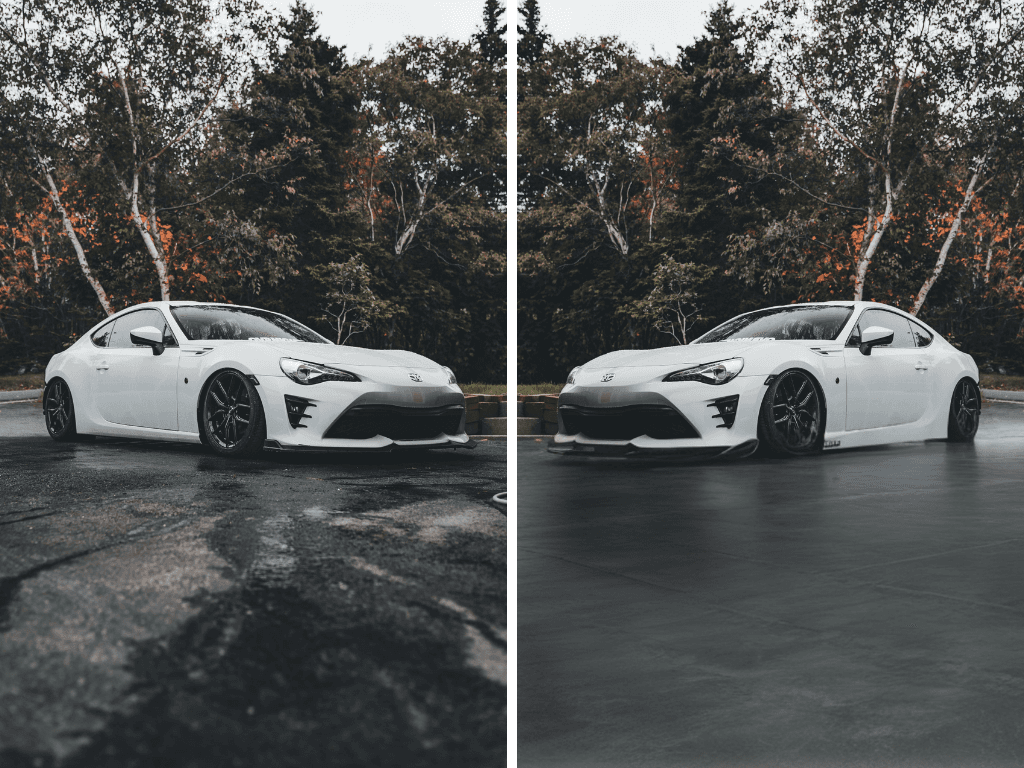
A messy background can take the focus away from the car. Ensure your outdoor shoots are taken in backgrounds that are clear.
How do you avoid shadows and reflections outdoors?
Be mindful of where the car is parked. If it’s under a tree or near tall buildings, you might get unwanted shadows or reflections on the car, especially on the windshield. These reflections can make it harder for buyers to see the car clearly.
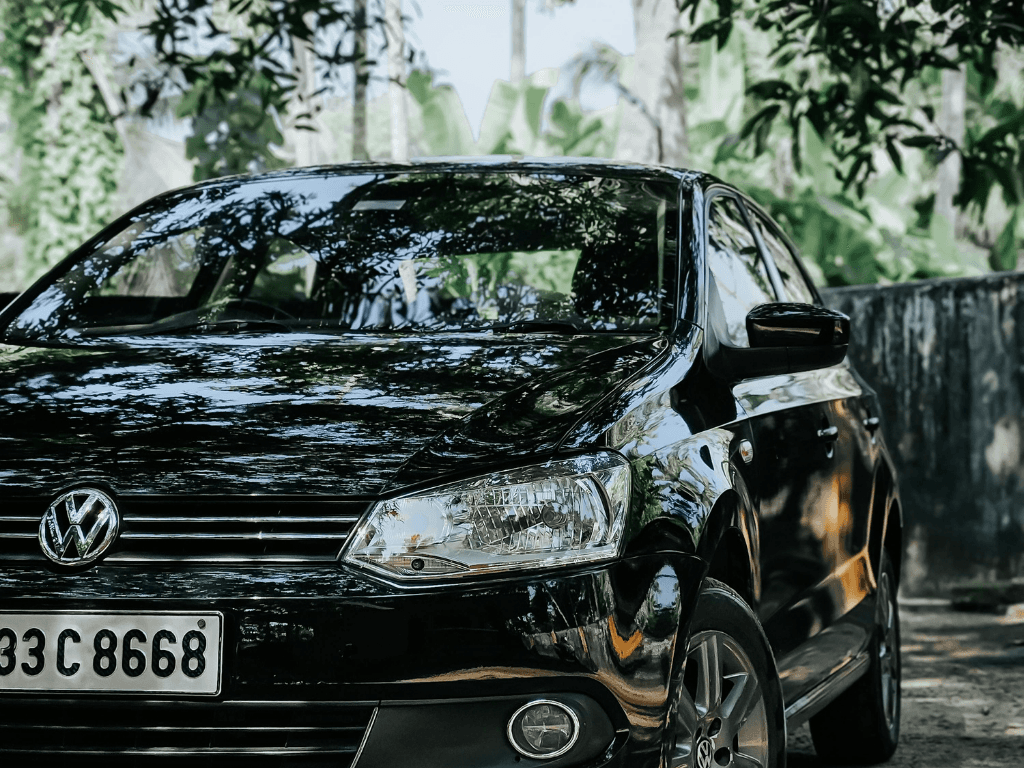
Check for reflection of trees or buildings on your car - these can ruin an otherwise good shot.
What outdoor lighting should you aim for?
Outdoor lighting can vary throughout the day, so aim for natural, even light. Early morning or late afternoon is ideal, as the light is softer and warmer. Avoid harsh midday light, which can create strong shadows.
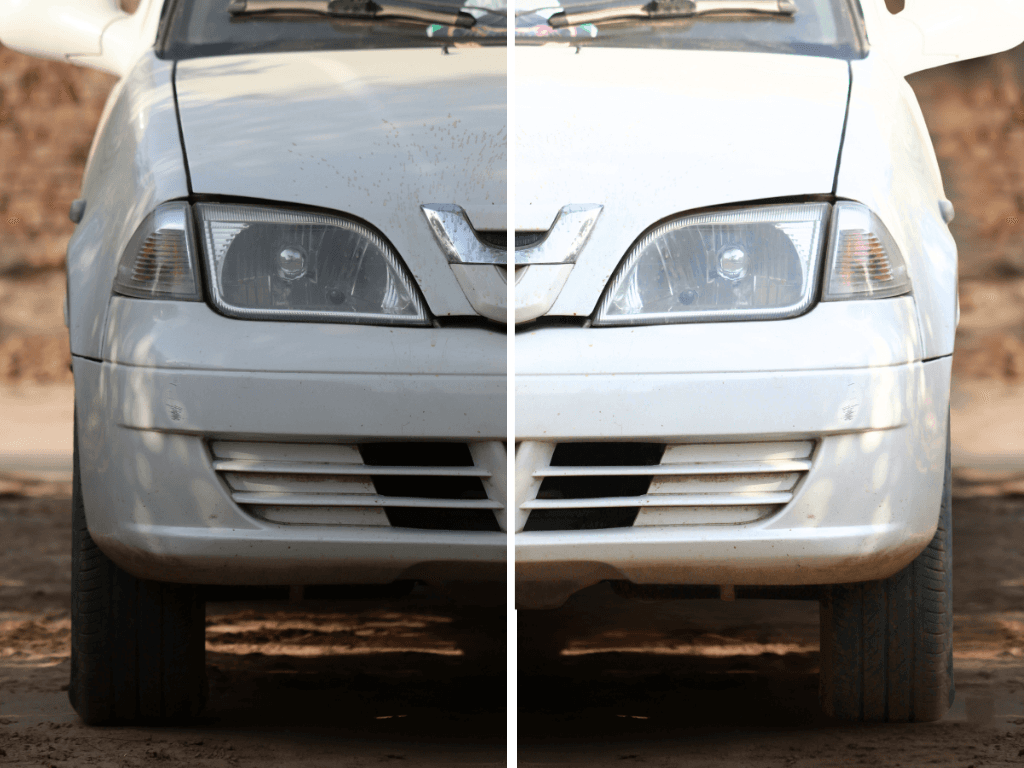
White cars can look gray in the shadows. Ensure there is enough lighting to show the car colors.
When should you use an indoor or studio background?
Indoor backgrounds can give your photos a clean and controlled look, which is ideal for a consistent style across listings. However, there are some factors to consider:
What makes a good indoor space?
Make sure the walls are clean, with no stains or marks, and the floor is free of oil spills, tools, or clutter. A messy environment can make your photos look unprofessional and may turn off potential buyers.
How does indoor lighting affect car colour?
Indoor lighting can affect the way the car’s color looks. Make sure the lighting doesn’t alter the car’s appearance. For example, gray cars can sometimes appear green under certain artificial lights. Test your lighting to ensure it brings out the car’s true color.
How do you keep distractions out of frame?
If there are other cars or equipment around, make sure they aren’t in the frame. The focus should be on the car you’re photographing, with no distractions.
How do virtual backgrounds work?
Virtual backgrounds can be a great option if you don’t have access to a perfect setting. With editing software or HelloRamp.ai, you can replace the background with a virtual one. However, here are some tips to keep it realistic:
How busy should a virtual background be?
A virtual background that is too colorful or detailed can draw attention away from the car. Choose a simple, clean design that complements the car without overwhelming it.
How realistic should a virtual background look?
Avoid backgrounds that look overly futuristic or obviously fake, as they can make the listing feel artificial. Choose backgrounds that reflect real-world environments buyers might imagine driving in.
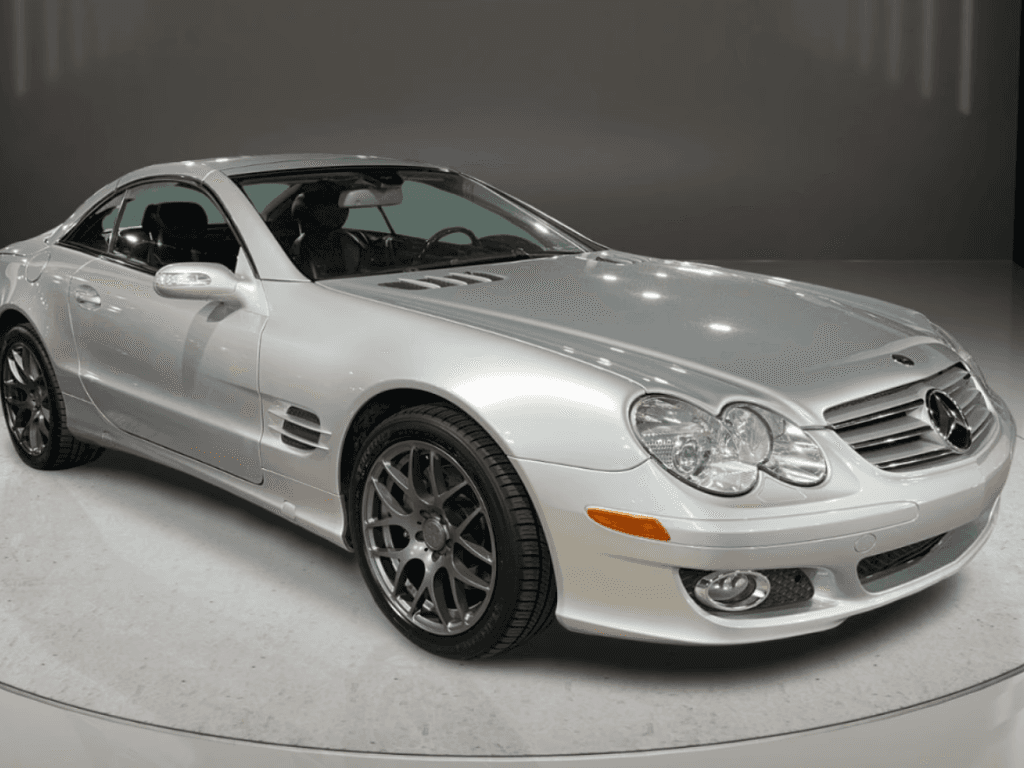
HelloRamp.ai provides multiple virtual backgrounds that look realistic as if the pics are shot in a studio
Should virtual backgrounds match across listings?
If you’re using virtual backgrounds across multiple listings, try to keep them similar. This gives a cohesive look to your dealership’s listings and reinforces the brand image. It is a good idea to add your brand’s logo so as to increase brand awareness and recall.
What tips apply to every background type?
No matter what background you choose, here are some general tips to ensure high-quality images:
- Consider Color and Contrast: Make sure the background contrasts with the car so the vehicle stands out. A dark car against a light background or vice versa creates a clear and professional look.
- Lighting is Key: Good lighting can make or break a photo. Ensure there’s enough light to show off the car’s details without creating harsh shadows. Natural light often works best, but if you’re indoors, make sure the lighting is even and doesn’t distort colors.
- Show Minor Imperfections: Buyers appreciate authenticity. Showing minor imperfections like small scratches or dents can actually build trust, as the car will look closer to what buyers will see in person. Avoid heavy editing that hides the car’s real condition.
- Use Editing Carefully: Light editing to adjust brightness, contrast, and white balance is helpful, but don’t go overboard. HelloRamp.ai offers background removal, brightness adjustment, and color correction, which can enhance your photos without making them look unnatural.
Frequently asked questions
What is the best background for car photography?
Whichever one you can apply to every vehicle consistently. A plain, uncluttered background keeps the car as the subject; the bigger win is that all your listings share the same one.
Do I need a photo studio to get consistent car photos?
No. A virtual background applies a single studio look to photos shot anywhere on the lot, which is how dealerships get studio consistency without the rig, the space or the lighting setup.
What should you avoid in a car photo background?
Other vehicles, bins, signage, people, price stickers on neighbouring cars and anything with strong colour. Each of them pulls attention away from the car being sold.
Are virtual backgrounds acceptable for used car listings?
Yes, provided the vehicle itself is not altered. Replacing the surroundings is presentation; changing the car's condition, colour or bodywork is misrepresentation.
HelloRamp Studio guides the walkaround, corrects the lighting and backgrounds, and produces the listing stills, the 360° spin and the video tour from one five-minute capture on a phone. No booth, rig or dedicated photographer.