Studio, Social and Engage share one content engine, capture once, publish everywhere.See pricing →
Studio, listing visuals
Studio overview
Social, social & marketplaces
Social overview
Engage, lead response
Engage for dealerships
Pricing
Case studies
Start free trialGet a demo

What's new

New features and improvements across HelloRamp.ai, newest first. The latest: Pro Editor and Smart Fix for cleaner vehicle photos, an AI Assistant connector that answers inventory questions from your live data, 360 Hotspots inside a vehicle spin, and AI Walkaround videos made from your existing listing photos.

Pro Editor and Smart Fix

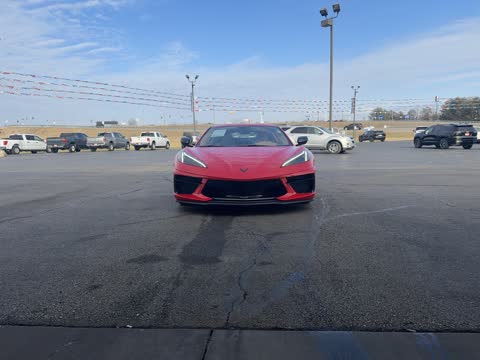
Great photos sell cars, and now every vehicle photo can look its best with no editing skills. Smart Fix cleans up a photo in one click, correcting lighting, background and overall look in seconds. When you want it just right, Pro Editor lets you straighten a tilted car, resize it, move it into place or pick a different background angle, with a live before-and-after view as you drag.

Dealer's view
Smart Fix
One click corrects lighting, background and overall look
Adjust
Straighten, resize and move the car with simple sliders
Background
Pick a different background angle for the same shot
Preview
Live before-and-after view while you edit
AI Assistant connector

Your AI assistant now connects to HelloRamp.ai. Ask about your inventory in plain language and get answers from your own lot, without opening the dashboard. In the recording, a dealer checks how many vehicles are live and how many need a reshoot.

Dealer's view
Live vehicles and reshoots
Connect
Add the HelloRamp MCP server to your AI assistant
Ask
Ask about your inventory in plain language
Answer
Results come from your live HelloRamp data

360 Hotspots

Shoppers spin the car, tap a feature, and the detail opens in place. Below is the shopper's view on a live listing.

Shopper's view
Spin
Drag to turn the vehicle a full 360°
Tap
Select a hotspot on any feature
Reveal
The detail opens without leaving the spin

AI Walkaround

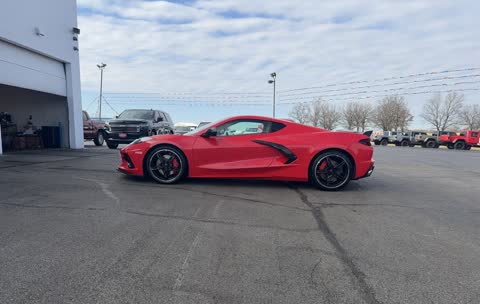
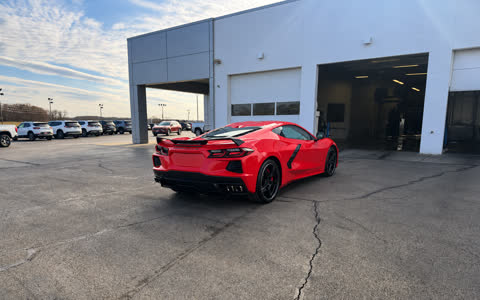
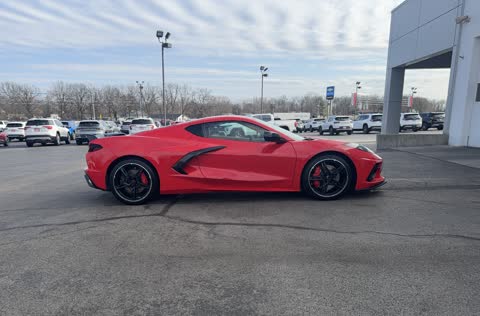
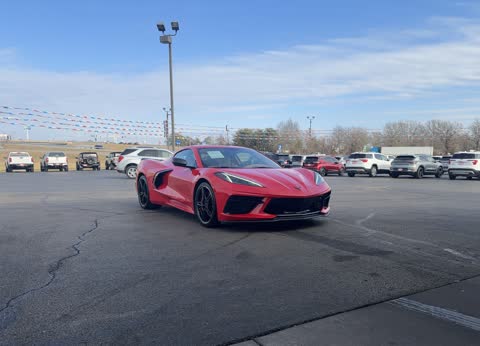
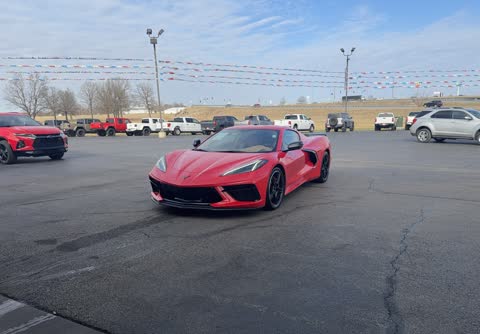
We turn the listing photos you already have into a finished walkaround video with overlays. No re-shoot and no video crew. Below is one vehicle, start to finish: the original photos from the lot, then the video we produced from them.

Before · 6 listing photos
Original dealership listing photo 1 of the vehicle: front
Original dealership listing photo 2 of the vehicle: front three-quarter
Original dealership listing photo 3 of the vehicle: side profile
Original dealership listing photo 4 of the vehicle: rear three-quarter
Original dealership listing photo 5 of the vehicle: side profile
Original dealership listing photo 6 of the vehicle: front three-quarter
→ After · walkaround video
Input
Existing listing photos from your lot
Output
Walkaround video with overlays
Module
Studio
See it on your own inventory.

We run AI Walkaround on a vehicle from your lot during the demo.