
Optimizing Visuals for Faster Loading and Better User Experience
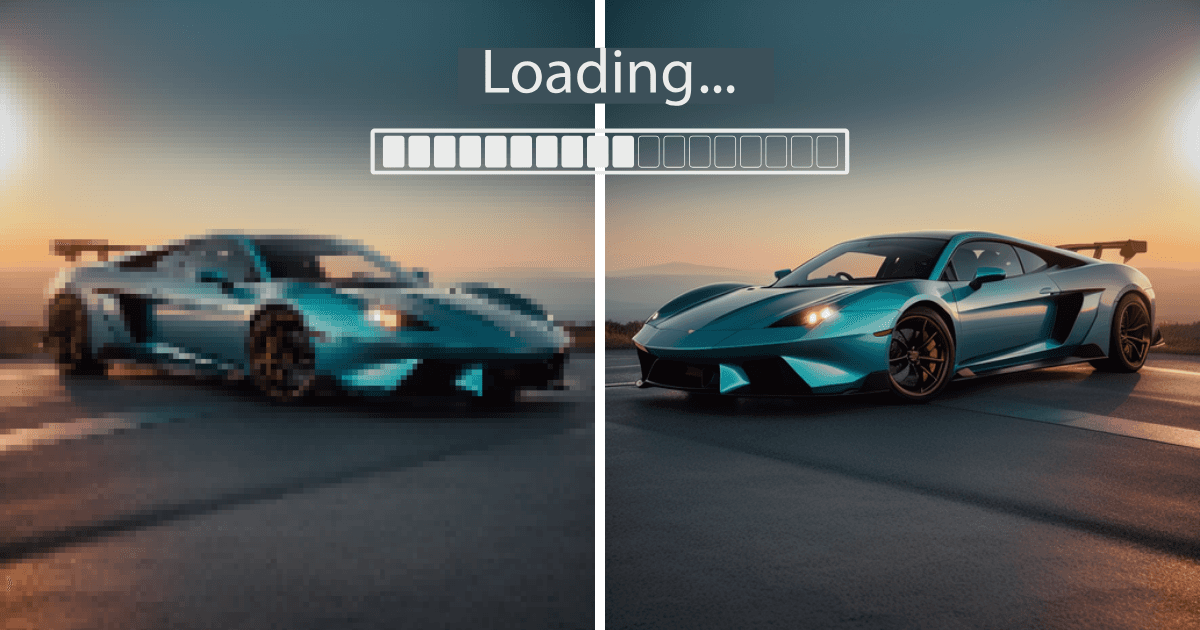
Optimising listing images for speed means four things: choosing a modern file format, compressing without visible loss, serving a resolution matched to the display size, and lazy-loading anything below the fold. Slow images cost buyers before a single car is seen, and page speed also affects search ranking.
Key takeaways
- Serve the size you display, not the size the camera produced.
- Modern formats cut file size substantially at the same visible quality.
- Lazy-loading below-the-fold images shortens the time to first paint on a listing page.
- Measure on a mobile connection, not on office wifi.
Why does visual optimisation matter?
- Faster Loading Times: Websites with optimized visuals load quicker, keeping users engaged and reducing bounce rates.
- Improved User Experience: Clear, high-quality images create a professional impression and help buyers make informed decisions.
- Better SEO Rankings: Search engines favor fast-loading sites, improving your visibility in search results.
- Mobile Compatibility: Optimized visuals ensure seamless performance across devices, especially for mobile users.
1. Which image format should car listings use?
WebP or AVIF for the served image, with a JPEG fallback for the few clients that need it.
- WebP and AVIF: Modern compressed formats. Both cut file size substantially against JPEG at the same visible quality, and both are supported by current browsers.
- JPEG: The fallback, for clients that cannot render WebP or AVIF.
- PNG: Only where transparency is required, such as logos and overlays. Files are larger.
- GIF: No place in a vehicle listing.
How much should you compress listing images?
Large file sizes are a common culprit behind slow loading times. Compression reduces file size without significantly impacting quality.
- Lossy Compression: Reduces file size by permanently removing some data. Ideal for car listings where slight quality loss is acceptable.
- Lossless Compression: Retains all data while reducing file size, perfect for high-detail images.
- Tools to Use:
- TinyPNG
- ImageOptim
What size should listing images be?
Uploading oversized images slows down your site without any visual benefits. Resize images to fit their intended use:
- Every listing image: a minimum of 1080 pixels on the shortest side, in a 4:3 or 1:1 ratio.
- Detail-page heroes: 1600 pixels on the long side or larger.
- Social: match each platform's own specification; 1080x1080 covers the square Instagram feed.
src: HelloRamp.ai recommended specification.
How do responsive images help on mobile?
With most buyers browsing listings on their phones, responsive images ensure optimal performance across all screen sizes.
- How to Implement: Use the <picture> tag in your website’s HTML to serve different image sizes based on the user’s device.
- Why It Matters: Responsive images improve user experience on mobile and reduce unnecessary bandwidth usage.
Do alt text and file names affect load time?
Alt text and file names improve accessibility and SEO, ensuring your images are indexed by search engines.
- Alt Text: Include descriptive text like “2020 Honda Civic in red with alloy wheels” to enhance search rankings.
- File Names: Use SEO-friendly names like 2020-honda-civic-red.jpg instead of IMG12345.jpg.
What is lazy loading, and should listings use it?
Lazy loading defers the loading of images that are not immediately visible on the screen. This speeds up the initial load time of your site.
- How It Works: Images below the fold are loaded only when the user scrolls to them.
- How to Implement: Add loading="lazy" to your image tags.
Example: <img src="2020-honda-civic-red.jpg" alt="2020 Honda Civic in red" loading="lazy">
How do you test listing page performance?
Regularly test your site’s loading speed and make adjustments as needed.
- Tools to Use:
- Google PageSpeed Insights
- GTmetrix
- Lighthouse
- Largest Contentful Paint (LCP): Measures how long the largest visible content (like a hero image) takes to load.
- Total Page Size: Aim for under 2 MB per page for optimal performance.
Does a CDN speed up vehicle listings?
CDNs store your images on multiple servers worldwide, reducing the distance between your website and the user.
- Benefits: Faster loading times, especially for international users.
- Popular CDNs:
- Cloudflare
- Amazon CloudFront
Do simpler backgrounds load faster?
Complex visuals, like animations or heavy background images, can slow down your site.
- Best Practice: Use clean, simple backgrounds for car photos and limit the use of heavy effects like parallax scrolling or high-resolution video loops.
10. How do you keep large inventories optimised?
For dealerships managing hundreds of vehicles, optimising image by image does not scale. Whatever tooling you use, the pipeline needs to handle:
- Automatic Compression: Reduces file sizes without noticeable quality loss.
- Background Optimization: Replaces cluttered backgrounds with clean, professional ones.
- Mobile-Ready Images: Ensures your visuals look great on all devices.
- Consistent Resizing: Standardizes image dimensions for thumbnails, hero shots, and more.
What are the most common optimisation mistakes?
- Uploading Oversized Files: Avoid uploading raw images directly from your camera. Resize them first.
- Skipping Compression: Large, uncompressed images can lead to slow loading times.
- Ignoring Mobile Optimization: Non-responsive images frustrate mobile users and harm SEO rankings.
- Overediting: Overprocessing can make images look unnatural, reducing trust with buyers.
Conclusion
Optimizing visuals for faster loading and better user experience is essential for car dealership websites and marketplaces. Remember, faster websites not only improve user satisfaction but also boost your search engine rankings, helping you stay ahead in the competitive online car market.
Frequently asked questions
What image format should car listings use?
A modern compressed format such as WebP or AVIF, with a JPEG fallback where needed. Both cut file size substantially against JPEG at the same visible quality.
How much should you compress car listing photos?
As far as you can without visible artefacts on paint and glass, which is where compression shows first. Check a dark panel and a windscreen reflection before applying a setting across the inventory.
Does image size affect a dealership website's search ranking?
Yes, indirectly. Page speed is a ranking factor and images are usually the heaviest part of a listing page, so oversized files slow the page and cost both ranking and buyers.
What is lazy loading and should car listings use it?
Lazy loading defers images until they are about to scroll into view. Listing pages with many vehicles should use it for everything below the fold, while loading the lead image immediately.
HelloRamp.ai is AI visual merchandising for car dealerships: guided capture, daily social publishing and personalised video replies to leads, in one platform. Book a walkthrough using your own vehicles.